
Full recovery
Restore your operating system, applications, settings and files.

Local backup and an additional cloud copy for your business
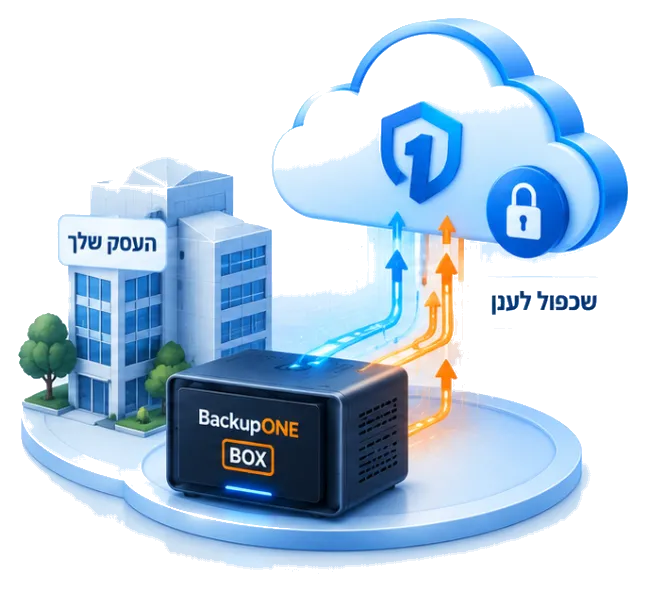
Your computers, servers and essential systems are backed up to BackupONE BOX at your business, with an additional copy in the cloud. When you need to recover, you have a place to start.
Failures happen. Preparation makes the difference. BOX keeps a local copy of your systems and replicates your backup to the cloud.
When needed, recover from the source that suits the situation, your BOX or the cloud, and start getting back to work.
From everyday work to a protected cloud copy.
Your working environment, in one place.
A local copy at your business, ready for fast recovery.
An additional layer of protection, away from your premises.
From a deleted file to a system that needs to be brought back online, explore the tools that help you prepare for the moment you need your backup.
Snapshot-based recovery lets you return to an earlier system state and recover from a backup made before a ransomware attack.
If a system fails, you can start a virtual environment from your backup to reduce downtime and continue working.
Advanced compression helps reduce storage use and improve backup efficiency.
Data is stored on your BOX and replicated to the cloud, providing two layers of protection.
Create NAS storage for sharing and storing local data, with scheduled snapshots.
From daily backup to restoring a complete system.
Restore your operating system, applications, settings and files.
Return to a healthy copy from before a failure or attack.
Restore files and folders without recovering the entire system.
Create local network folders on your BOX.
Schedule, manage and receive alerts through your browser.
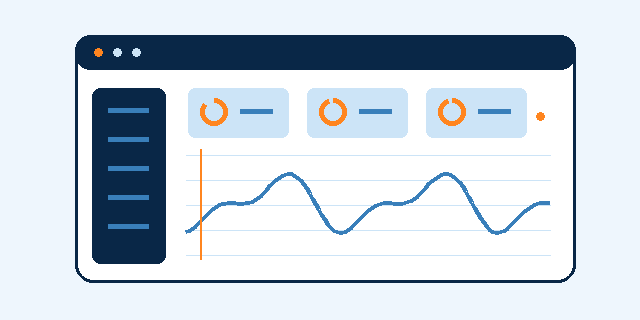
Encrypt your data, configure recovery points and check that you can get back to work. On supported storage, Object Lock protects copies against deletion during the configured retention period.
We install, configure and test backup and recovery with you. You know your business; we help configure the right protection, without making you a backup specialist.
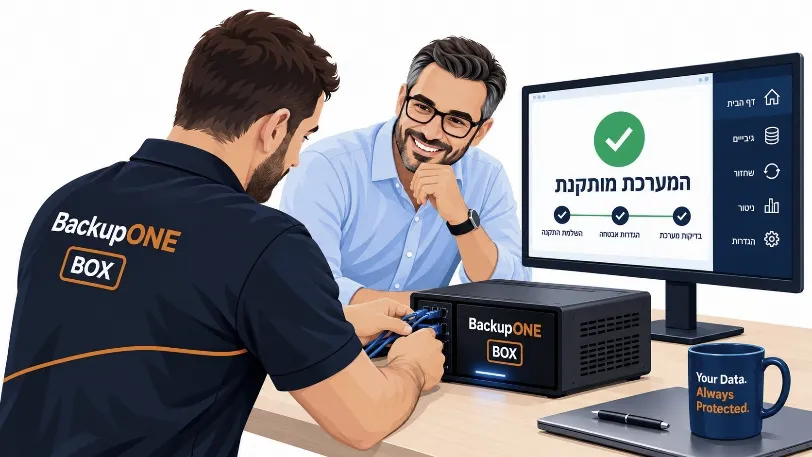 Installed, configured and tested together
Professional setup that connects local backup, cloud storage and ongoing monitoring.
Select a source and back up to BOX and the cloud.
A regular schedule or continuous backup.
Choose manually or use automatic selection.
Alerts and Instant Recovery tests.
From choosing destinations to testing recovery, see how your data protection is configured.
Choose the computer or server to protect and configure two destinations: your on-site BOX and an additional cloud copy. You gain a local recovery source and a copy away from your premises.
Select backup sources and destinationsConfigure encryption and backup frequency. Choose a regular schedule or continuous backup as often as once a minute, depending on system configuration and business requirements.
Encryption and scheduling in one placeSelect the drives and partitions you need, or use automatic selection. For a full system backup, include the partitions Windows needs to start.
Automatic or manual selectionConfigure email alerts and run Instant Recovery tests to check recoverability. Monitor your backups and identify issues that need attention.
Ongoing monitoring and recovery testingIt includes your operating system, applications, settings and files so you can recover your complete working environment.
Recover from your local BOX or the cloud replica, depending on the situation and your needs.
No. Restore individual files and folders, recover a complete system, or start a virtual machine from the backup.
Yes. VMware, Hyper-V and Proxmox virtual machines are supported.
Configure alerts and run Instant Recovery tests to check backup health and recovery readiness.
A complete system, an individual file or an alternative environment: choose the recovery path that suits the situation.
Tell us how you work and what you need to protect. We will walk through backup and recovery together and help you choose a suitable configuration, in plain language.
One solution to prepare your business for recovery.