

File backup
Protect documents and folders, including every important revision.
More about file backup →
What to back up, where to keep it and how to recover when needed. Explore BackupONE with us, step by step.
Step by step. We are with you.File and system backup, cloud protection, version management, Object Lock and fast recovery for workstations, servers and virtual environments.
Protect documents and folders, including every important revision.
More about file backup →
A copy of your entire system, including NAS destinations, with supported individual item recovery.
More about image backup →
Protect workstations and servers across operating systems.
More about computer and server backup →
AES-256 encryption protects data. Compression helps reduce storage use.
More about encryption and compression →
Local business backup with an additional cloud copy. Protect computers, servers and VMs in one device, with browser management and flexible recovery options.
Discover BackupONE BOX →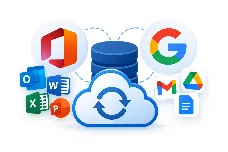
Back up and recover cloud service data. Your cloud workspace needs backup too.
More about cloud backup →
Hyper-V, VMware and Proxmox with supported recovery workflows.
More about VM backup →
Copies from different points in time, ready when you need an earlier version.
More about file versions →
Configure, back up, verify and practise recovery. Know the workflow before you need it.
Five short illustrations show how backup, encryption, monitoring and recovery work together throughout the protection lifecycle.
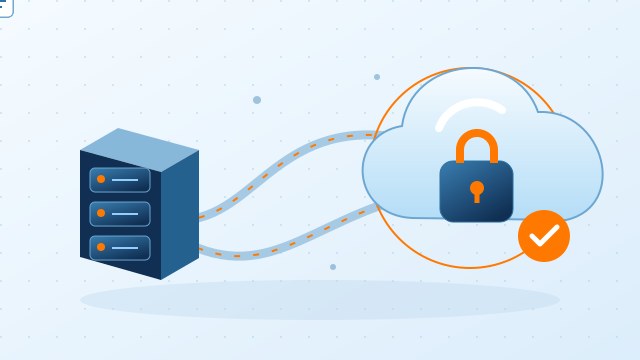
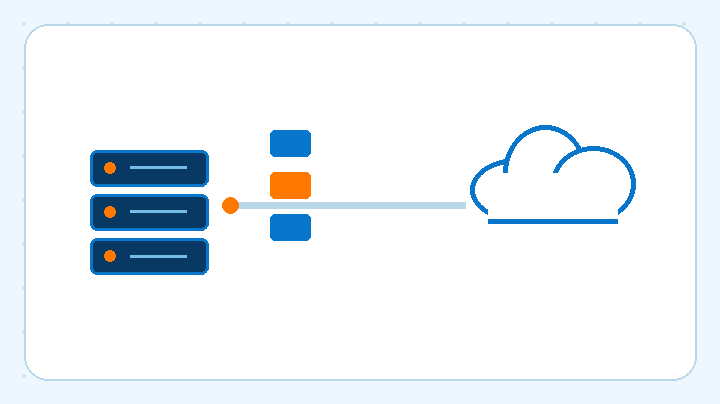
Data moves continuously and securely to cloud storage.
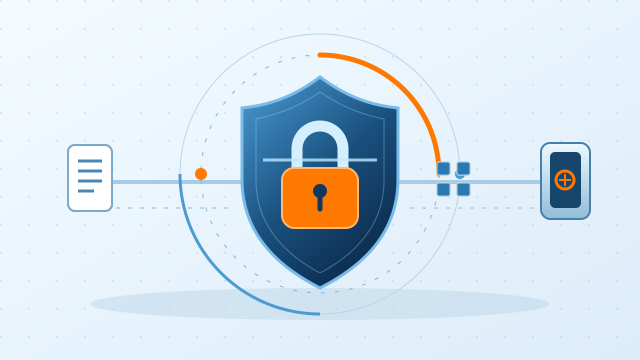
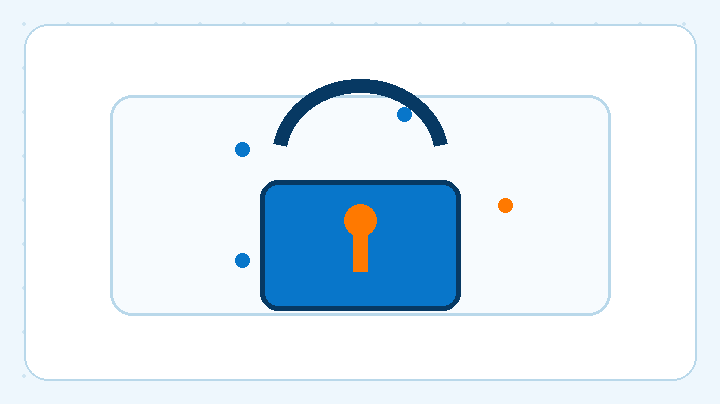
Encryption protects data during transfer and storage.
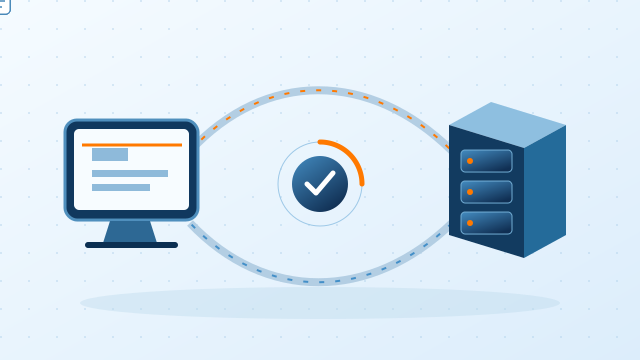
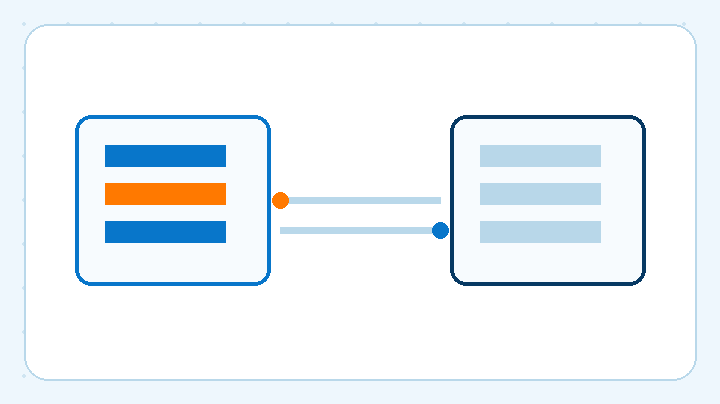
Fast synchronization between the source and backup destination.


View metrics and activity in real time in the control center.
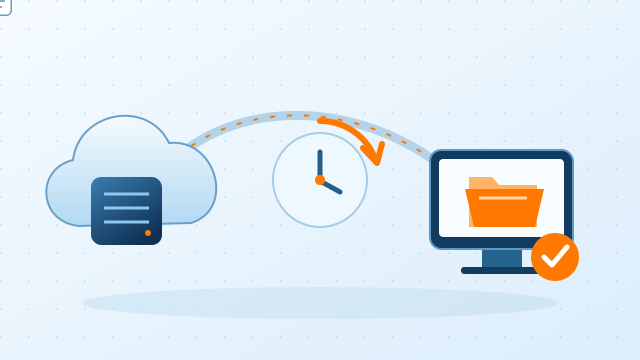
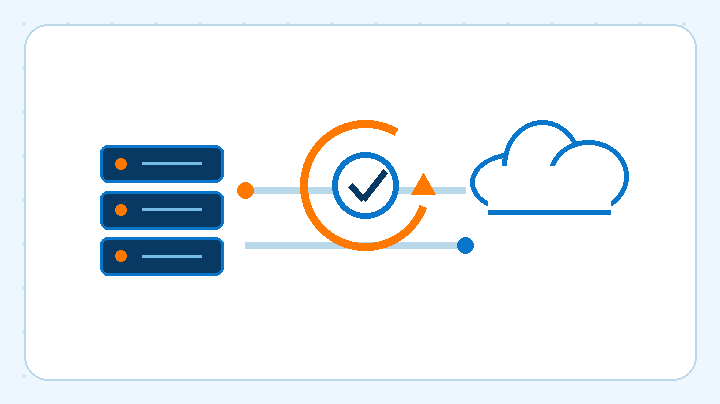
Return data safely to your working environment.
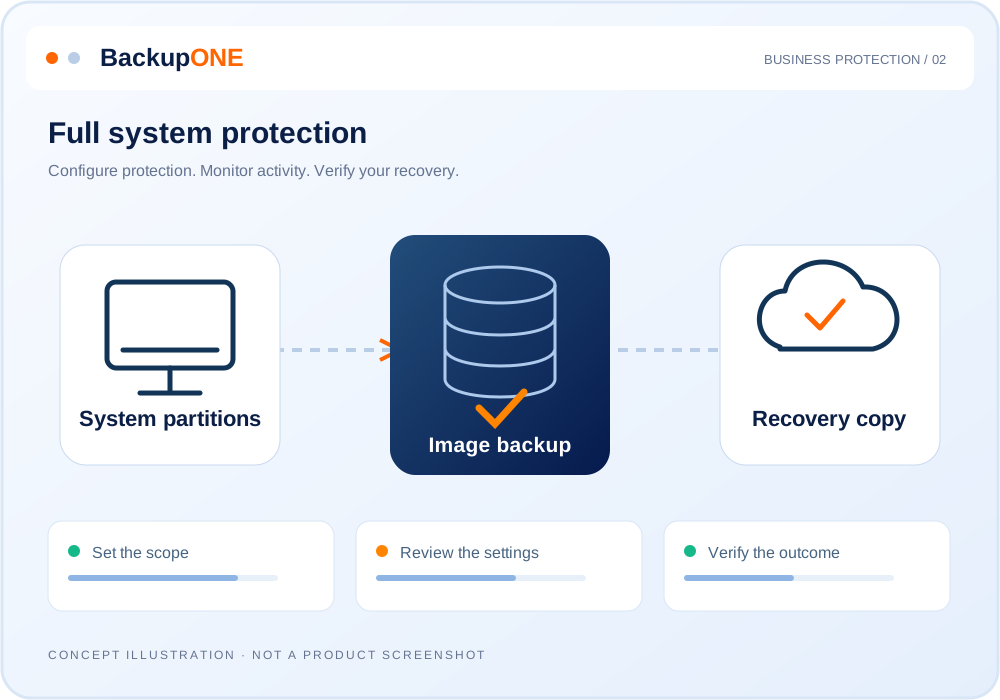
Select the drives, files and folders that matter, including external drives and network locations.
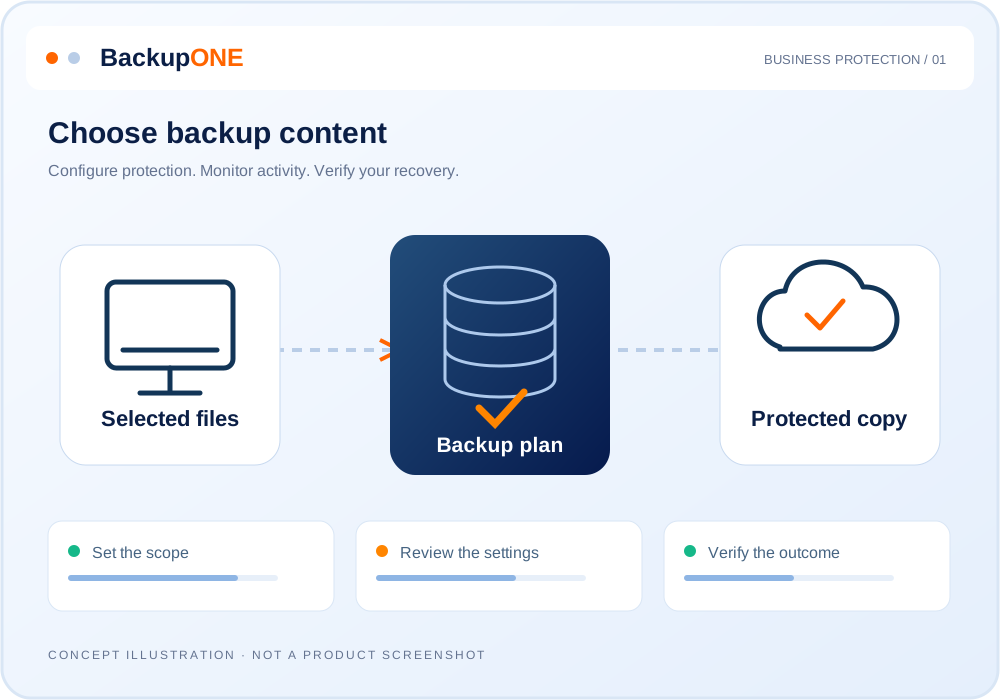
Keep a copy of the operating system, applications, settings and files for full recovery, including supported recovery to different hardware.
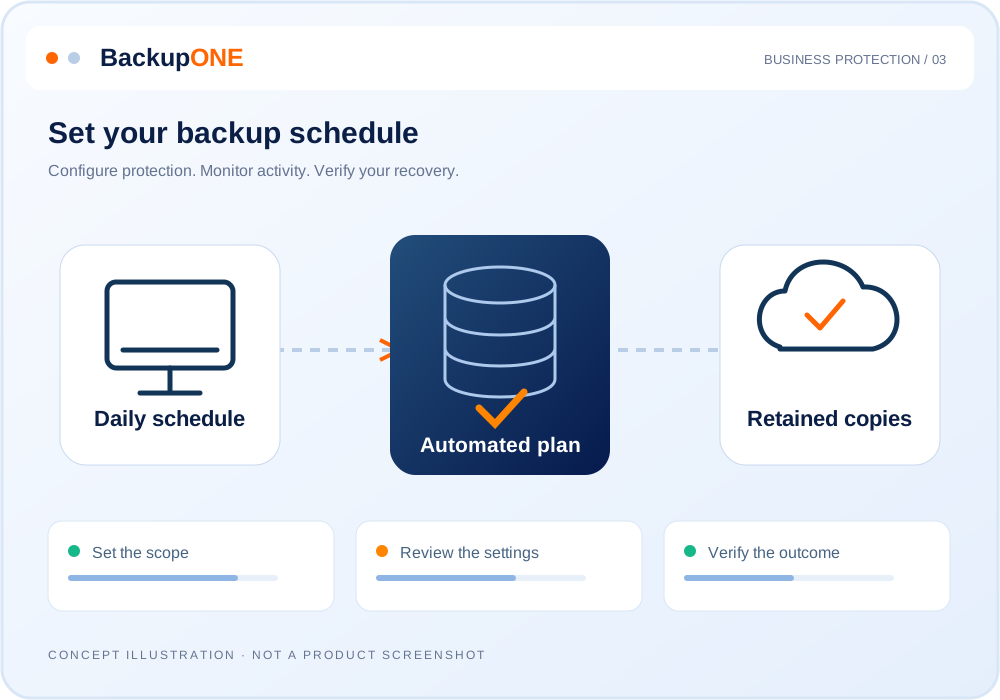
Choose when backups run: hourly, weekly full backups or monthly archive copies, according to your business requirements.
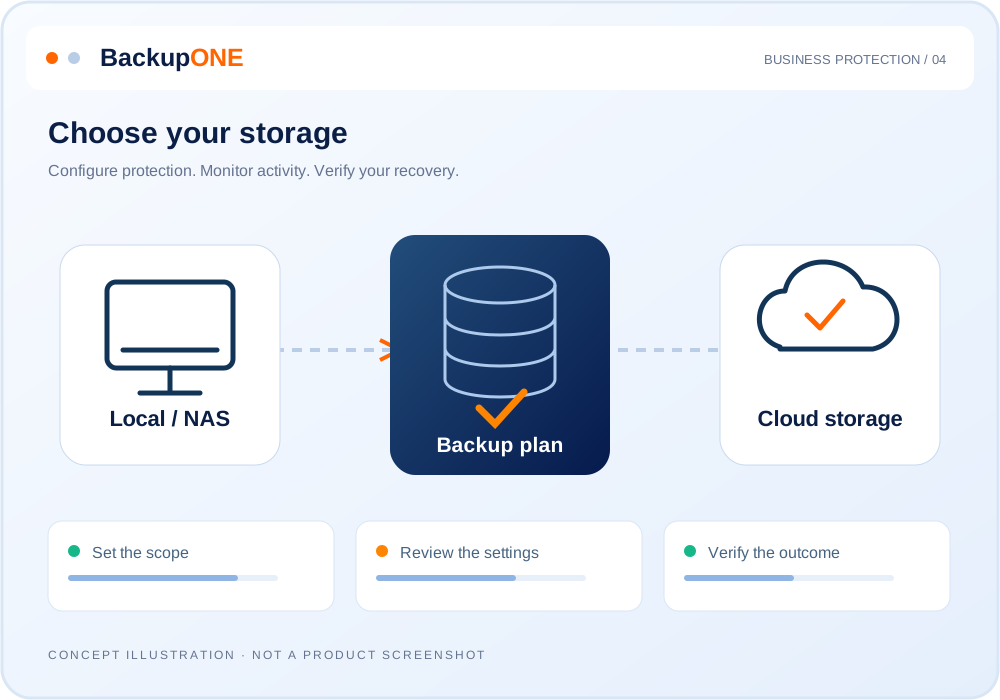
Keep backups in the BackupONE cloud, other cloud services, your office or network-attached storage. Choose the right destination for your business.
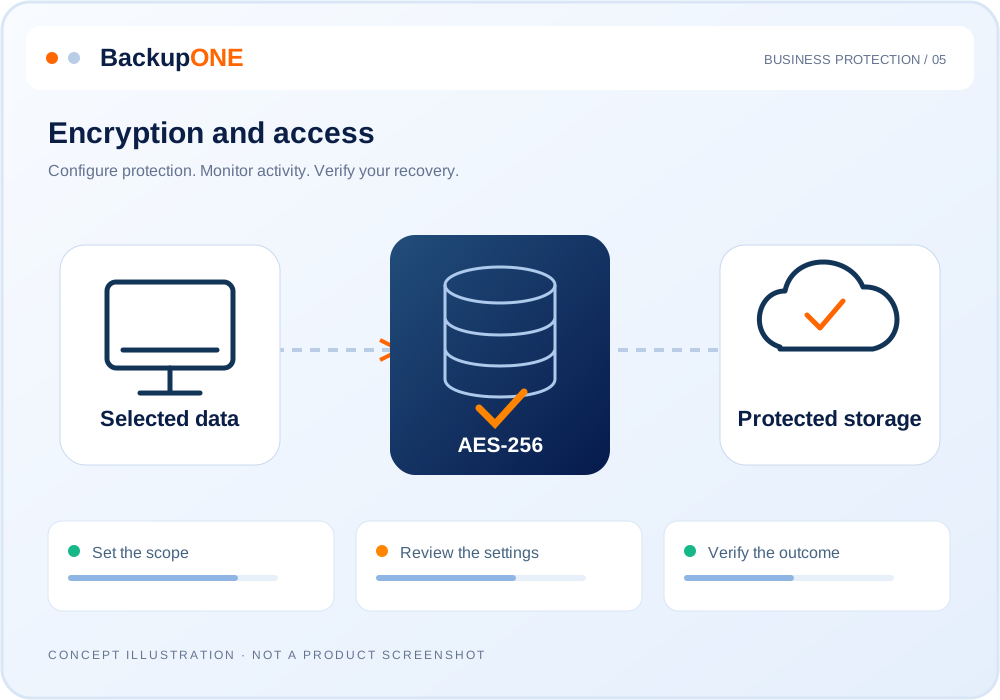
AES-256 encryption protects data, compression reduces storage use and a secure connection protects transfer.
Define how long to retain daily, monthly and older copies, so an earlier version remains available when needed.
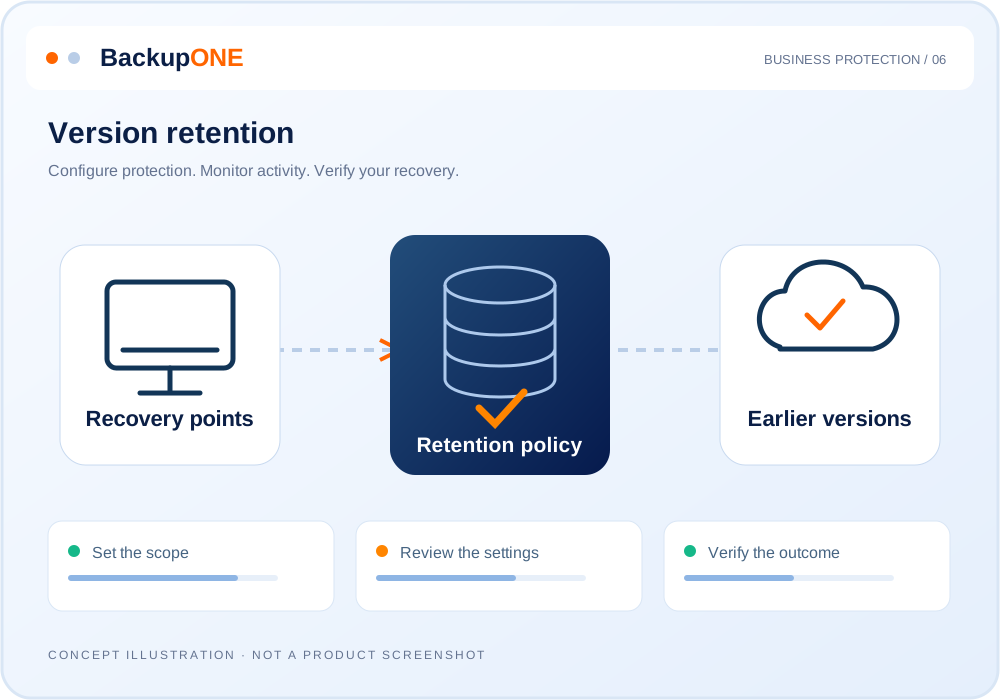
Verify backup integrity and try restoring in a virtual test environment. Practise before an incident.
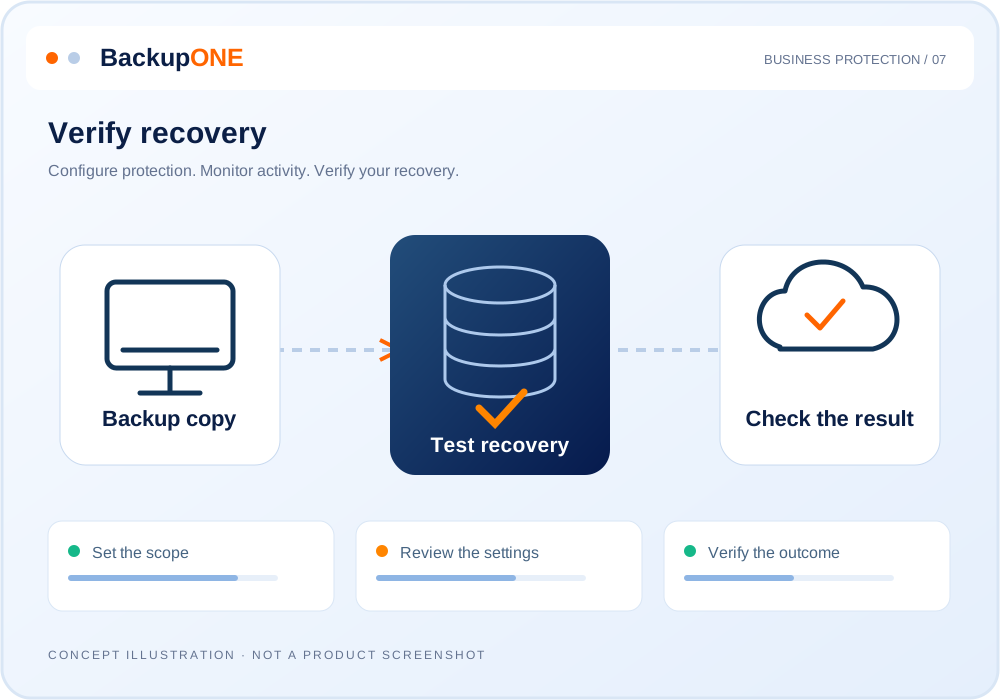
Lock backup copies against modification and deletion throughout a defined retention period.
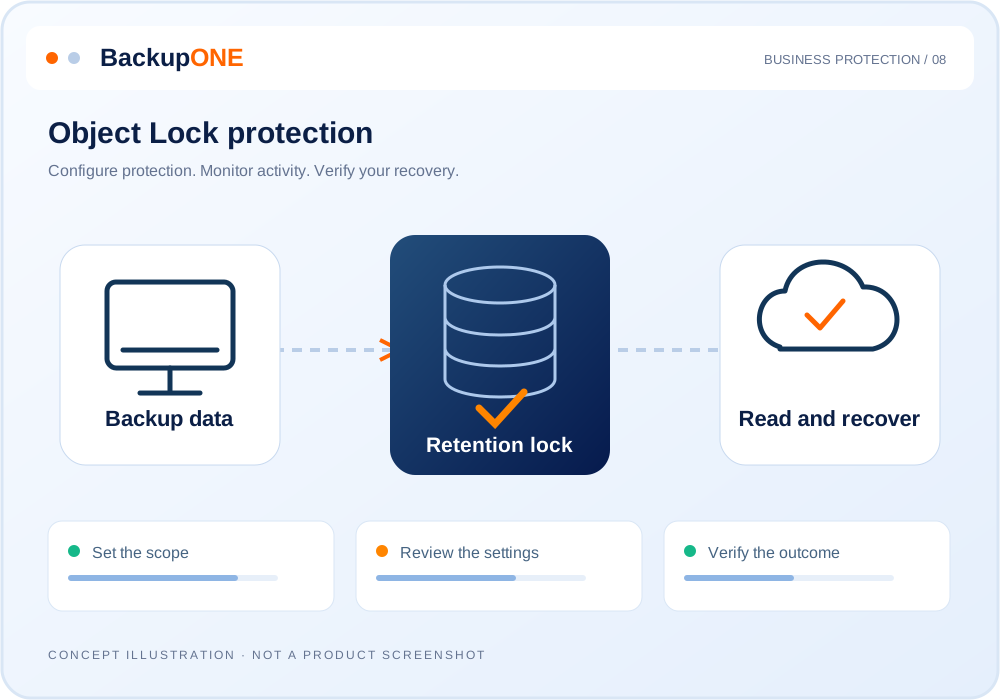
See what was backed up, what was restored and what needs attention. Reports help you assess performance and costs.
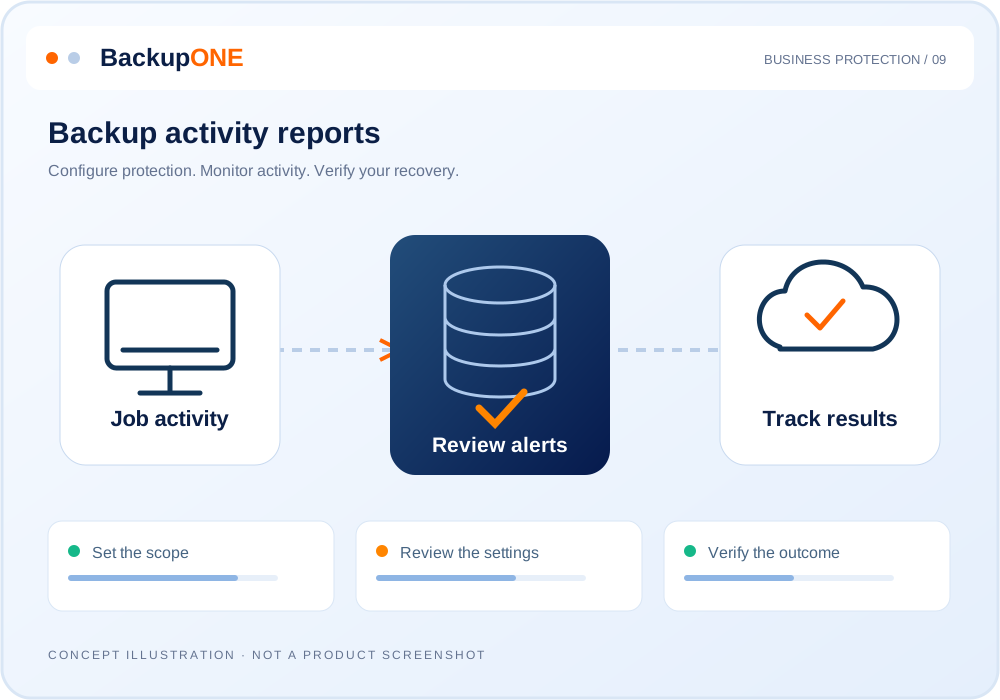
Manage computer and server backups, recovery and settings from one dashboard.
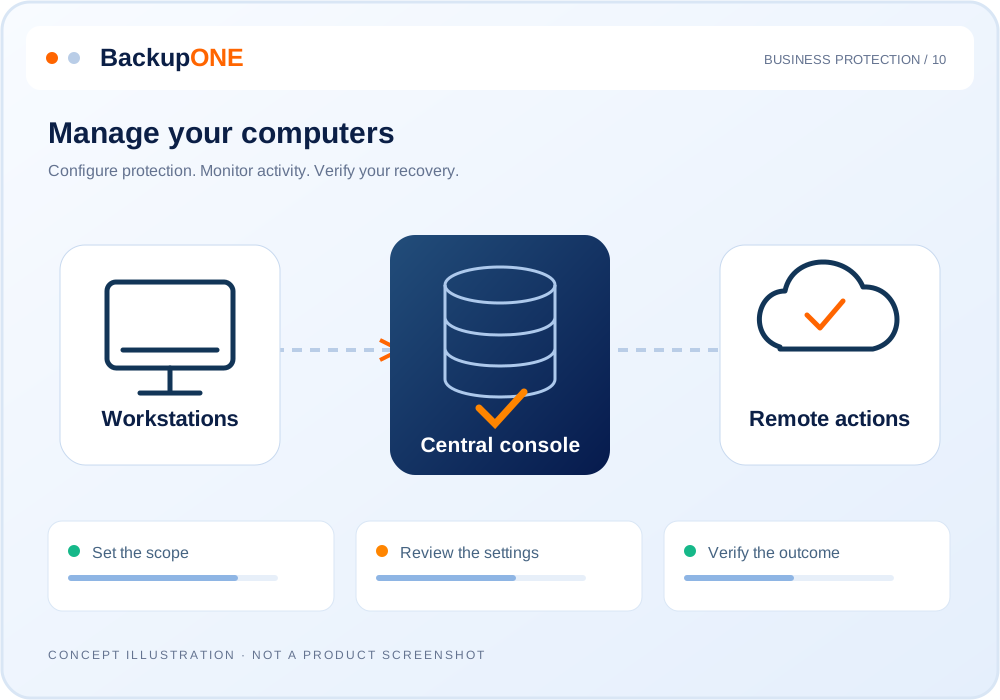
One dashboard brings together backups, storage, licensing and backup and security applications.
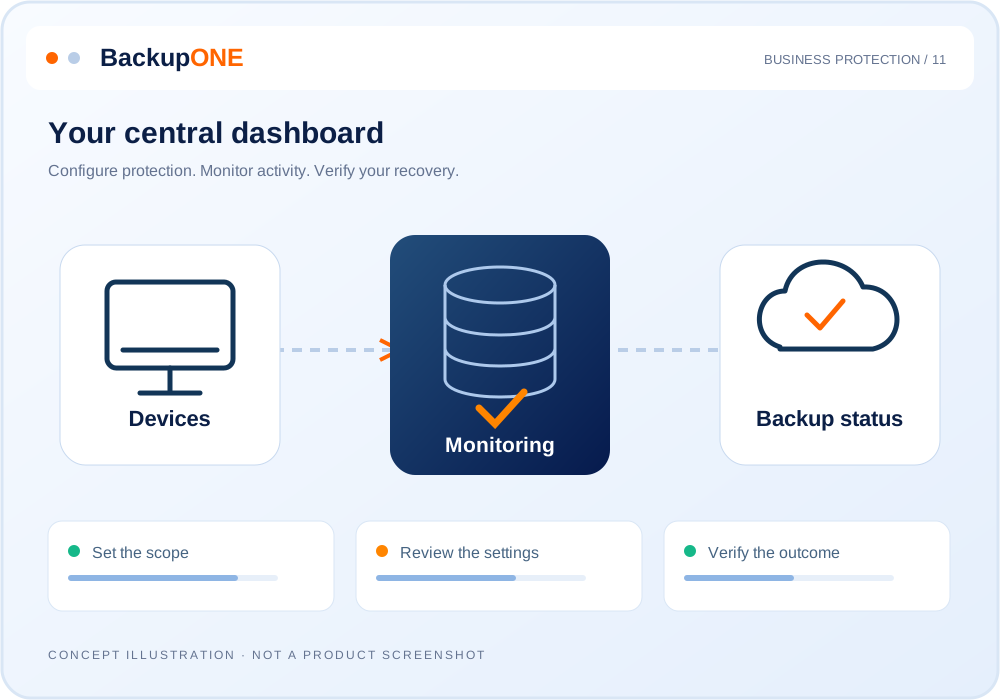
We manage the data. You see the full picture.
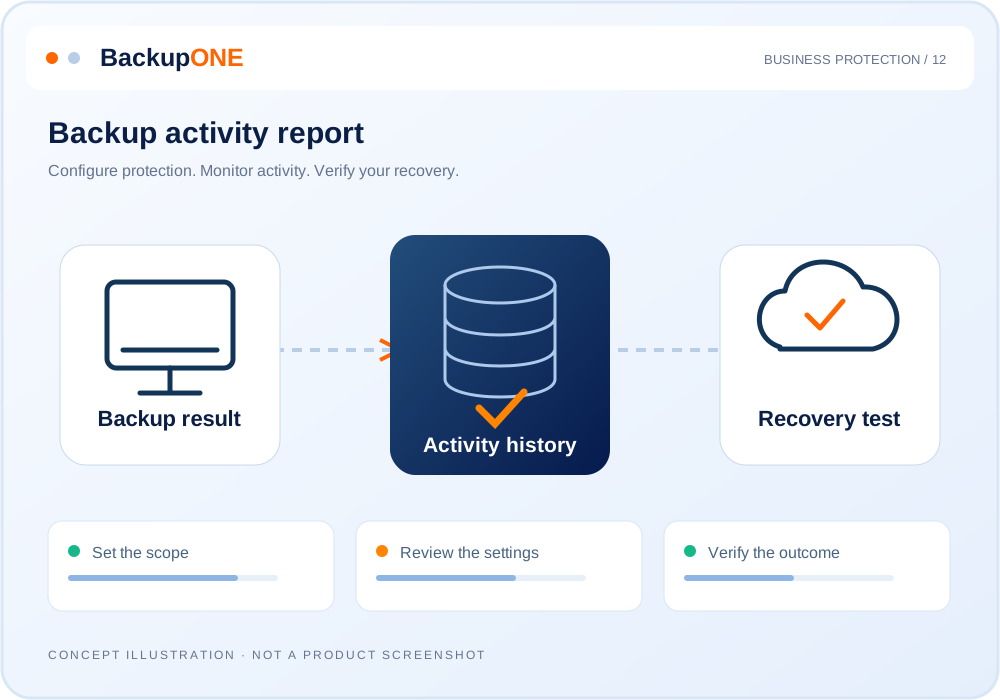
Your BackupONE backup report arrives directly by email with the result, computer and plan details, backup date and duration.
Activity history and charts help you understand what happened, track backup activity and identify issues that need attention.
Explore the tools in action, ask questions and see how they fit your business. We will explain the details clearly.
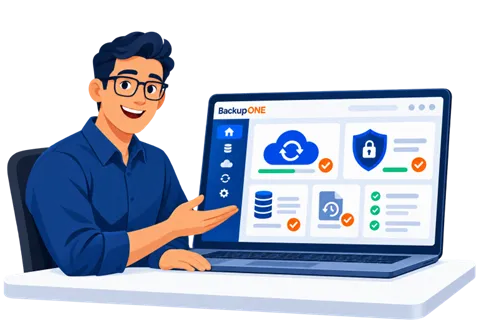
נעבור יחד מההסבר לתכנית עבודה. ואם נשארו שאלות, זה בדיוק הזמן לשאול.