

Smart alerts
Spot unusual activity before it becomes an incident.
One dashboard to monitor, manage and support your business computers and backups.
Get a clear view without opening ten more tabs.
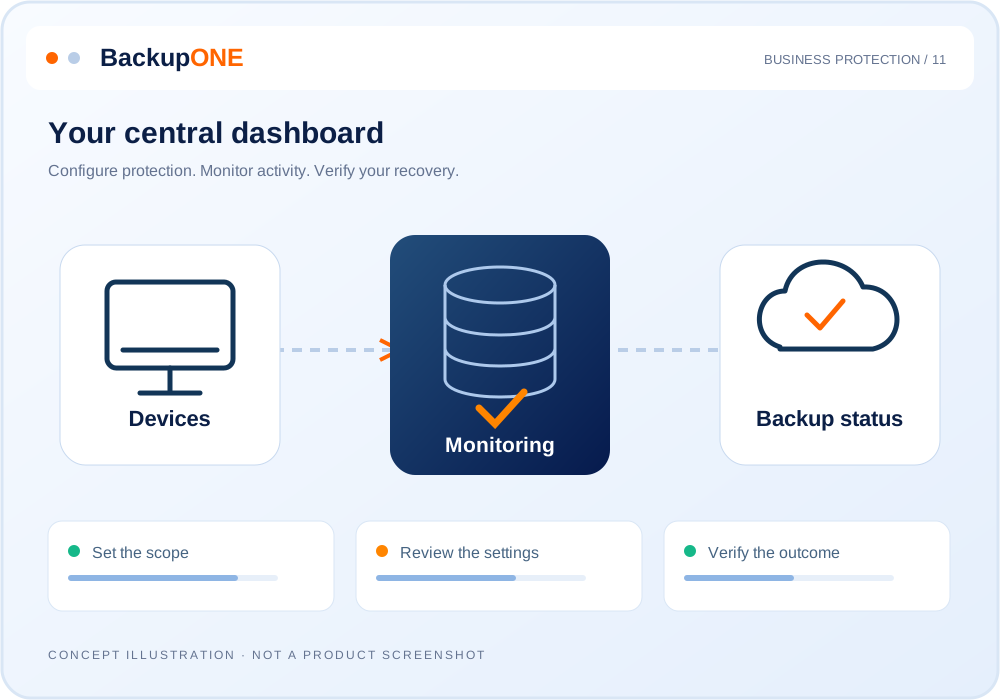
Monitoring, maintenance, support and security meet in one clear dashboard. See what needs attention and reach the right tool without searching for information.
Spot unusual activity before it becomes an incident.

A clear view of workstation and server health.

Connect to a computer quickly from your browser.

Let the system handle recurring tasks.

Keep workstations updated and protected.
Restart and maintain devices remotely.
Install and manage applications across workstations.
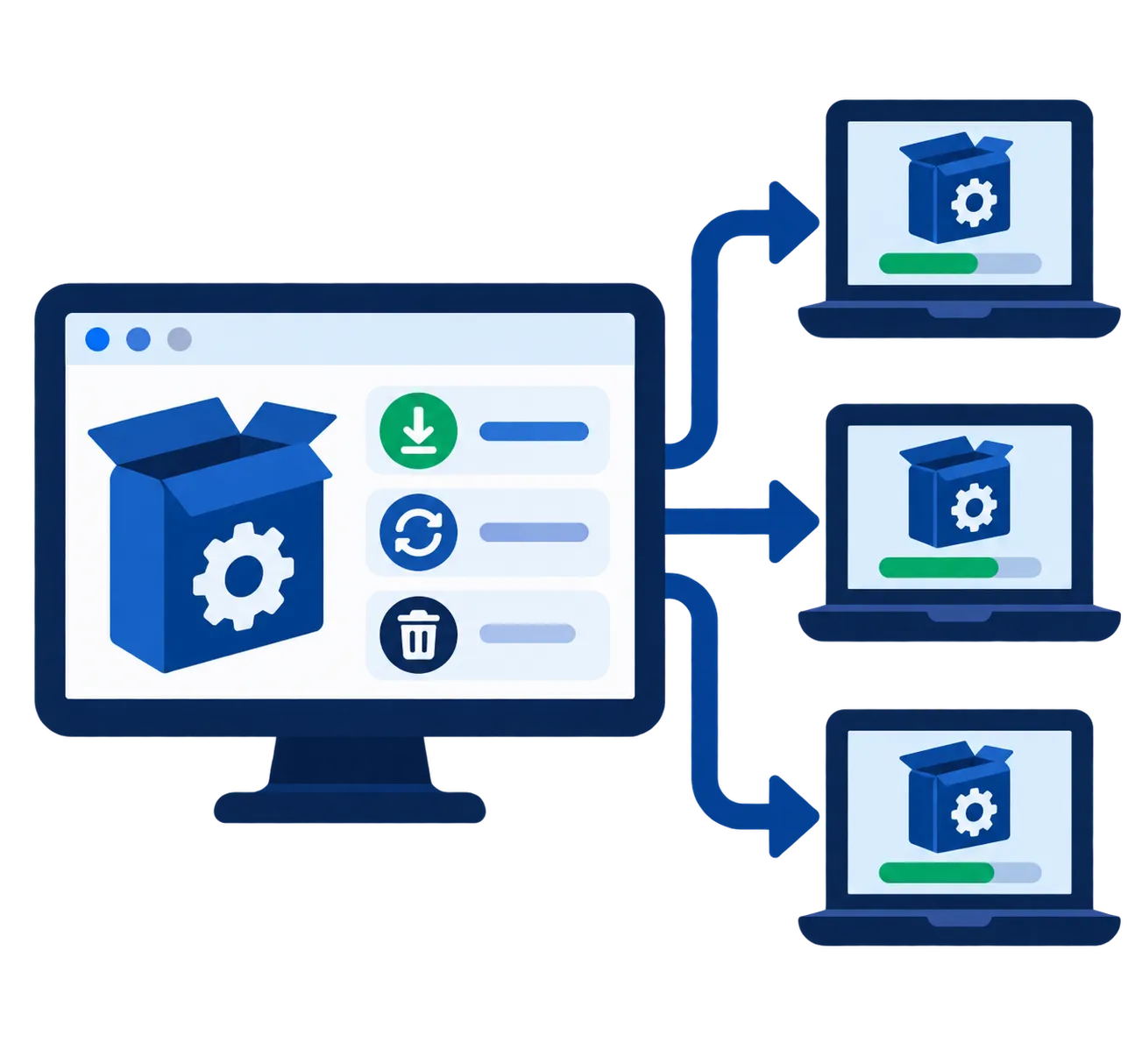
Manage software and devices from one dashboard.
Metrics and charts for a quick overview.
Track support requests and tasks in an organized workflow.

Protection controls integrated into IT management.
Explore how backup, data protection and recovery work together, with clear illustrations that make the process easy to follow.
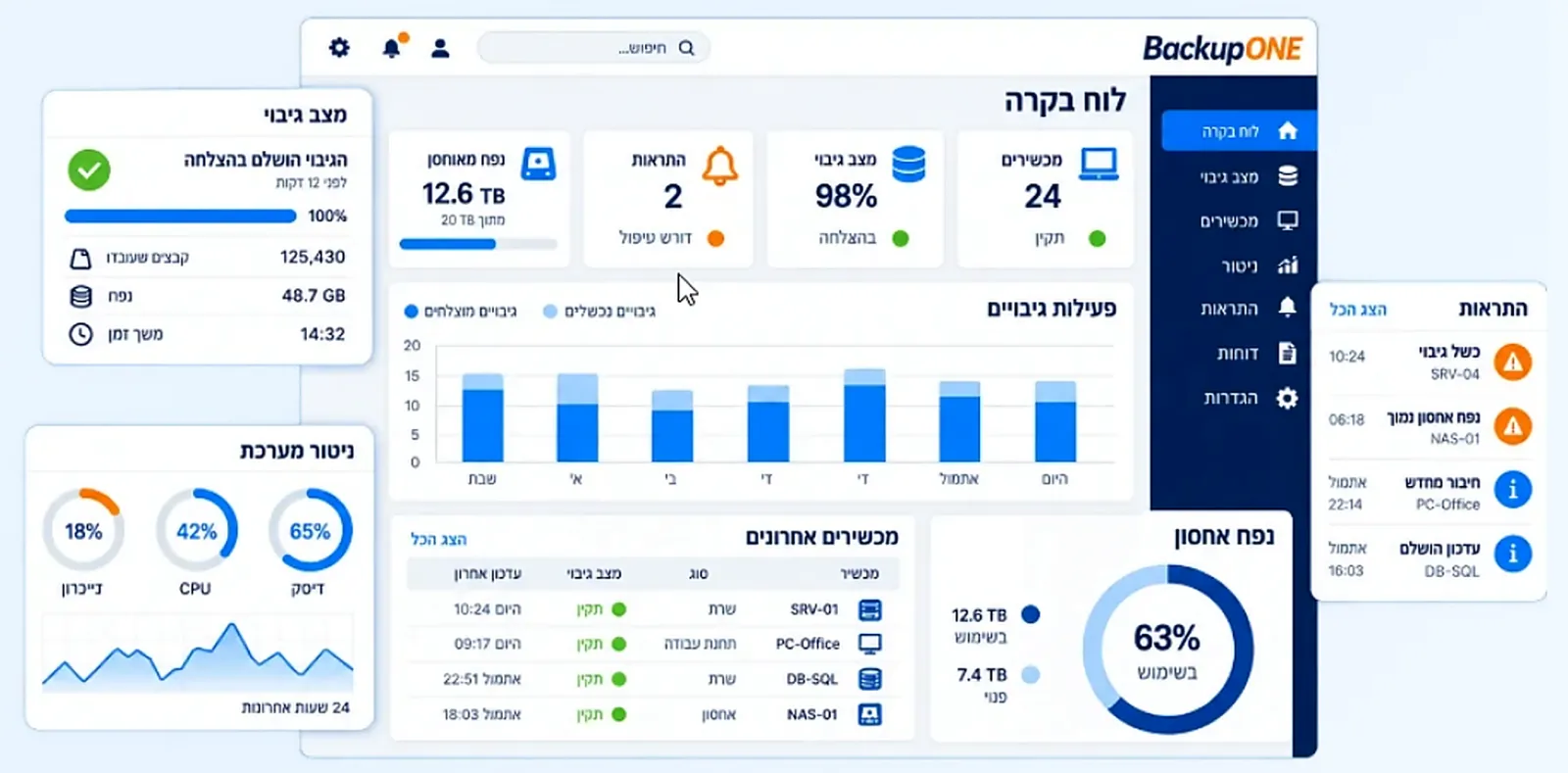
See which computers are under load, how much storage remains and where updates are missing. CPU and memory metrics show how each device is coping.

Select the chart icon beside a computer to view performance, hardware, applications and remote support tools. Replace guesswork with useful information.

A disk filling up? A computer going offline? Choose which conditions should trigger alerts so your team can respond early.

Select Connect beside a computer and choose your connection method. Access Windows and macOS devices through your browser.

Keep computers, applications, disks and printers in one clear view, wherever you are working.

See which computers and servers need updates, then choose when and how to install them at a time that suits your business.

Backup and management alerts can create service tickets automatically. Each ticket shows the owner, affected computer and work completed so your team can coordinate.

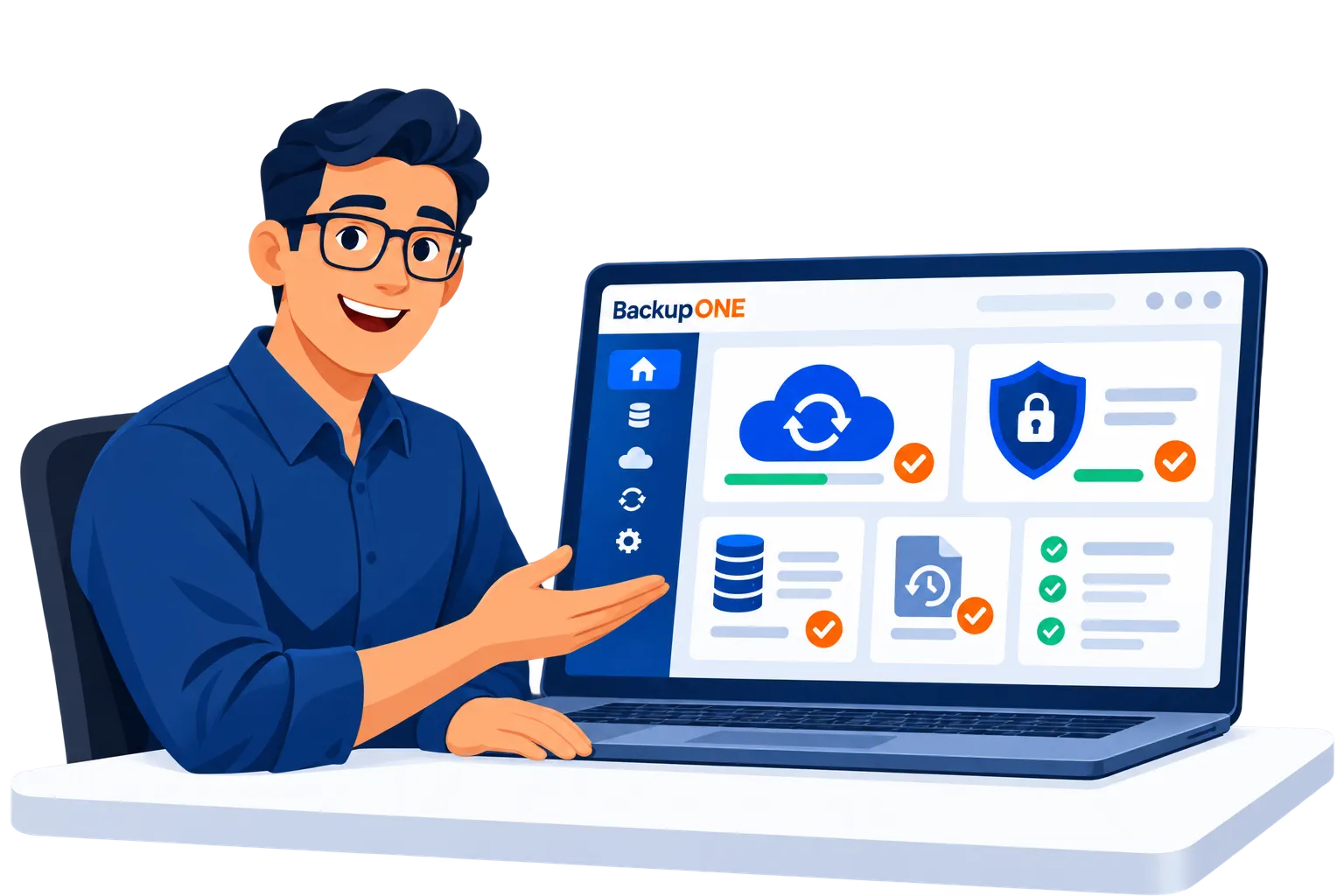
See how BackupONE Console brings order to your IT. We will explore the tools and answer your questions in clear language.
נבדוק איך לרכז את ניהול הגיבויים והמערכות שלכם. קצת פחות חיפוש בין מסכים, וקצת יותר זמן לטפל במה שחשוב.