When several computers repeatedly save the same documents, system files, or nearly identical versions, storage volume starts to grow faster than an IT team's laundry pile after a day of installations. Deduplication reduces these duplications: identical information is saved once, and other references point to it instead of saving another full copy.
What deduplication does — and does not do?
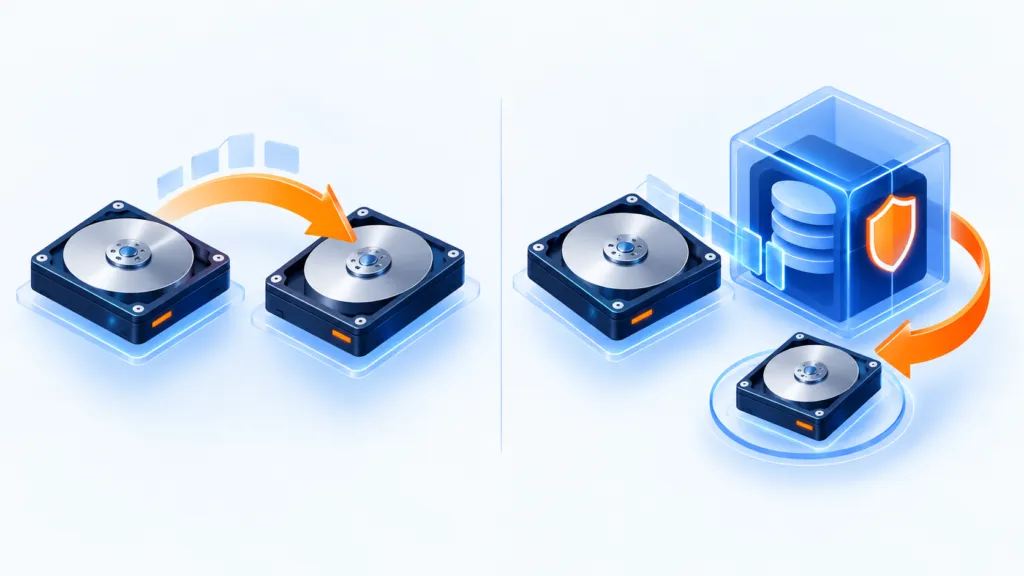
Deduplication identifies identical data and prevents it from being saved repeatedly. It is not the same as compression like ZIP: compression represents data more efficiently, whereas deduplication searches for existing copies and points to them. The methods can be combined if the solution supports it.
The savings can reduce storage space as well as the amount of data transferred between sites or to the cloud. The actual result depends on the type of files, their level of change, block size, and system settings. There is no magic ratio that fits every environment — even if a sales presentation promises one.
File-level deduplication
In this method, the system compares entire files. It calculates a digital fingerprint for each file, usually using a hash or other characteristics, and compares it to an index of information that has already been stored. If an identical file is found, a reference to the existing copy is saved instead of another copy.
- Advantage: The mechanism is simpler to manage, the index is relatively small, and computation may be faster.
- Limitation: A small change in a file can cause the system to treat it as a new file, and therefore save it again. This is less suitable for files that change frequently.
- Especially suitable for: Shared file repositories, archive folders, NAS, and environments where there are many identical copies of the same files.
A 2018 article cited savings of up to 5:1 for file-level deduplication. This is an example figure from that source, not a promise or universal benchmark. Unique image and audio files generally benefit less; documents, templates and system files repeated across many computers may benefit more.
Block-level deduplication
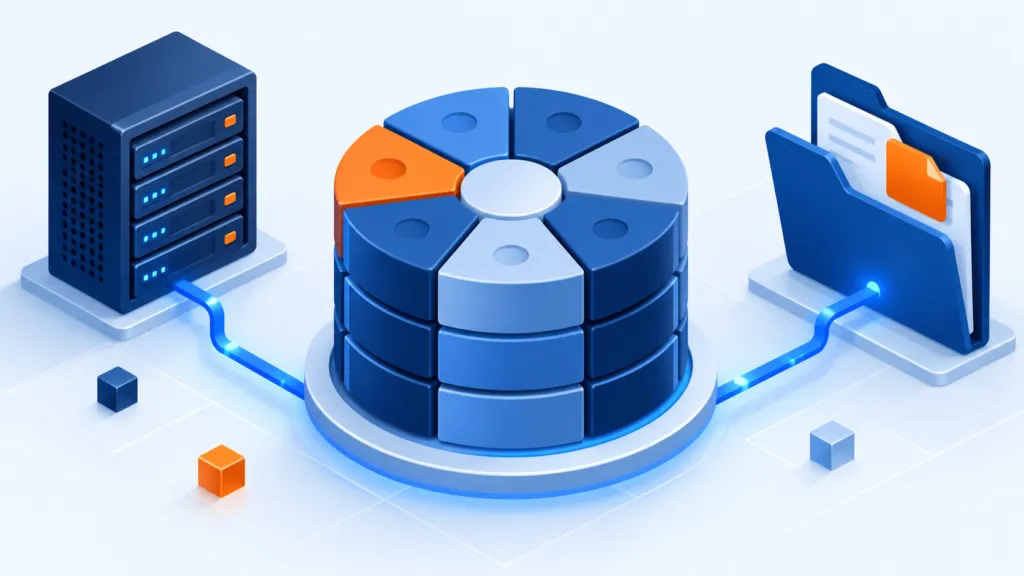
Here, the system breaks a file into smaller parts (blocks or chunks) and checks which of them already exist. If a file has changed, it is possible to save only the new or changed blocks, and reference the identical blocks that have already been stored.
- Advantage: A small change does not necessarily require re-saving the entire file. Therefore, this method may save more space with files that change frequently, in backups and archives.
- Cost: There are more units to process and manage, and therefore more computation and metadata are required. Restoration of information that has undergone deduplication may be slower, depending on the solution and storage design.
- Block size: Small blocks increase the chance of finding matches and savings, but enlarge the index and may slow down processing. Large blocks may process faster, but find fewer overlaps.
The 2018 article gave 8–64 KB as an example range common in some solutions discussed at the time. Available block sizes and their impact vary by product; check vendor documentation and results in your own environment before choosing.
The same article notes a possible savings ratio of up to 20:1 for block-level deduplication. This is also an example figure that is highly influenced by the type of information and not a target that can be assumed in advance.
And what about byte-level deduplication?
It is also possible to compare even smaller units, down to the level of the bytes that make up the blocks. The smaller the units, the more tiny matches can be identified — but many more items need to be tracked. The cost of indexing and processing may be too high for practical storage systems, so it is important to check whether the specific solution supports this at all and what the operational cost is.
Important difference: Change tracking is not deduplication
Block-level backup that tracks changes (changed-block tracking) identifies which parts have changed since the previous backup. Deduplication additionally checks whether the same data already exists elsewhere in the index. These are different aspects: change tracking may reduce what is sent in an incremental backup, but by itself does not guarantee that an identical block will be stored only once throughout the backup repository.
How to choose a backup approach?
- Slow storage or many similar files: first check file-level deduplication to see if it fits your solution.
- Files that change frequently, long-term backups and archives: block-level deduplication may achieve better savings, at the cost of more complex processing and recovery.
- Fast recovery of current information is required: consider keeping the latest and 'hot' backups on regular fast storage, and moving older archives to cost-efficient storage. Ensure that the structure aligns with the organization's recovery policy and recovery objectives.
- Cloud storage or data transfer between sites: Check if the provider performs de-duplication, whether it is included in the price, at what layer it operates, and whether the software sends data that already exists or just reduces storage after the transfer.
Metadata is also protected
A de-duplication system relies on metadata and an index that maps between files and the blocks saved. If these are lost, it may not be possible to reconstruct the backed-up information. Therefore, it is necessary to also back up the catalog and metadata components, protect them, and practically verify full recovery from the repository.
Note on the historical solution mentioned in the original
The source was published on 15 May 2018 and also described a deduplication server that operated after backup completion, processed data at block level and moved unique blocks into a staging area for upload. The article cited cloud storage savings of up to 90%, alongside a notice that the server had been discontinued at that time. These are historical, product-specific details, not a promise about a currently available product. Before choosing a solution or relying on a feature, check the vendor’s current documentation.
In short
De-duplication can reduce volume and costs, but its choice depends on the type of information, change rate, backup and recovery times, and the ability to protect and restore from the index. Measure in your environment, back up the metadata, and ensure that storage savings do not turn recovery day into an excessively long day.