NAS and SAN are two approaches to networked storage. When choosing a solution or planning backup, understand who manages the file system and what the server or user sees, rather than comparing capacity alone.
Two storage connections
- NAS presents files
- SAN provides blocks
- Backup is matched to the application
- Access to files and shares
- The storage system manages the files
- Block-level access
- The server manages the file system
NAS: file access
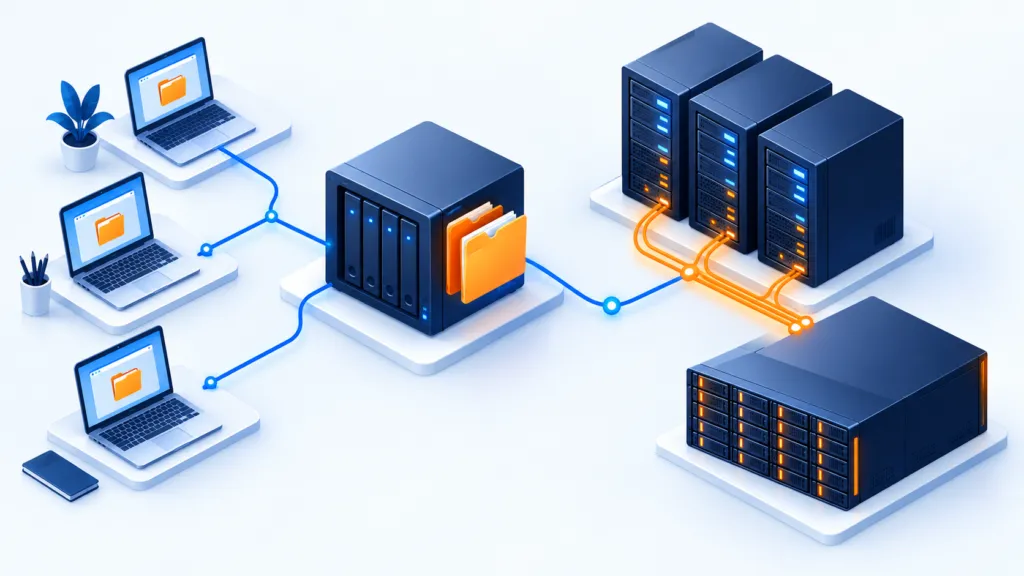
With NAS, the storage system manages the file system and presents shares, for example through SMB or NFS. Computers access files and folders over the network. This is common for shared documents, although capabilities and permissions vary by system.
SAN: block-level storage access
A SAN connects servers to storage resources that they see as block devices. The server or a suitable system manages the file system. Connections can use various technologies, including Fibre Channel or iSCSI, depending on the design.
What changes in management?
For NAS, review shares, user permissions and file-operation performance. For SAN, also review storage allocation, connection paths and application compatibility. Multiple servers cannot necessarily write to the same device simultaneously without a system that supports and manages that access.
Plan backup around the data
Both approaches require protected copies and recovery tests. A storage snapshot is not necessarily an independent backup and does not guarantee consistency for an active application. Plan backup of settings and permissions too, and a recovery path if the storage system itself is unavailable.
Questions for evaluating suitability
- Who accesses the data, and how?
- What performance, availability and expansion are needed?
- Who manages dependencies and tests recovery?
For technical background: IBM’s explanation of NAS and SAN.