The disaster recovery backup and restore platform on which BackupONE is based continues to expand and strengthen. The new capabilities are designed for IT service providers, IT teams, and enterprise environments, focusing on the following topics:
- Shorter recovery times
- Improved operational flexibility
- Reduced storage consumption
- Simplification of disaster recovery processes
- Enhanced support for modern virtual infrastructures
Direct restore to VMware, Hyper-V, and Proxmox
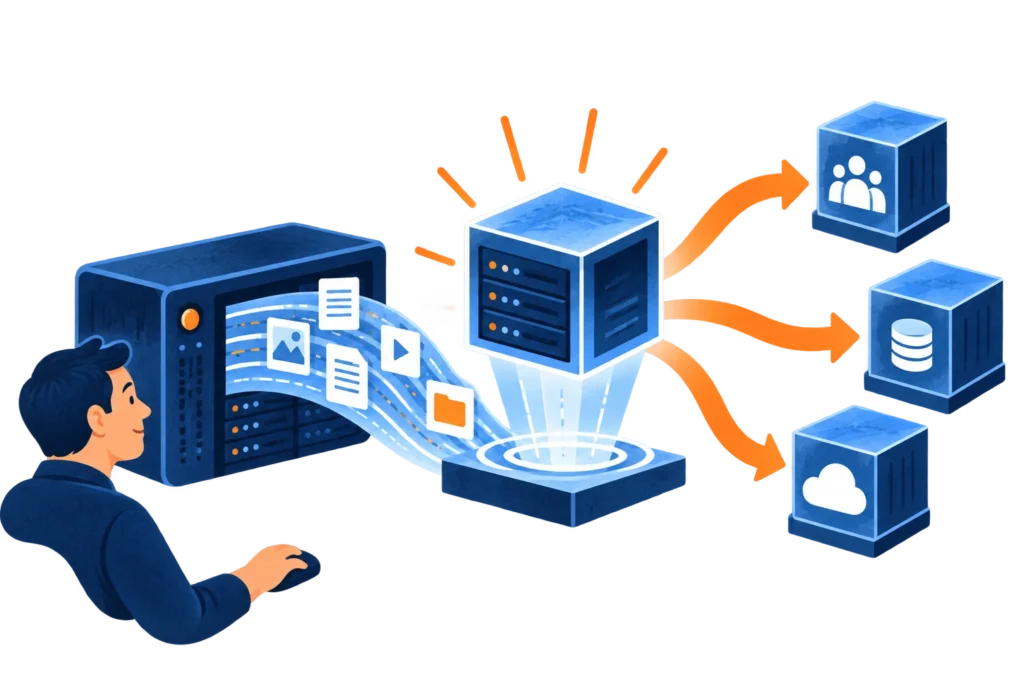
It is now possible to restore image-based backups directly to VMware, Microsoft Hyper-V, and Proxmox VE. The system automatically creates a virtual machine from the backup image and restores it directly to the chosen virtualization environment.
This reduces recovery complexity and accelerates disaster recovery processes in virtual infrastructures.
Instant Restore — immediate recovery
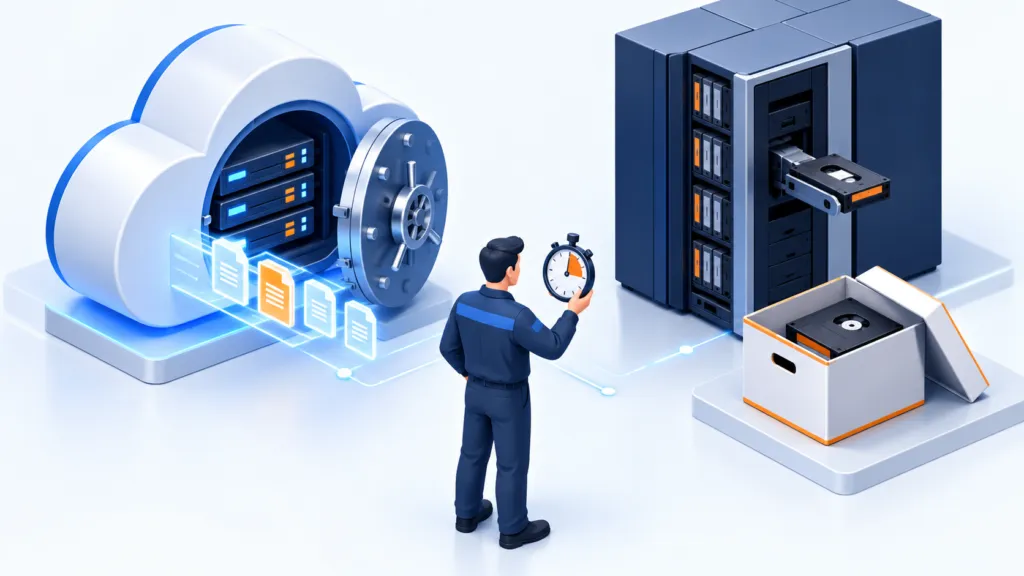
The Instant Restore capability allows running a virtual machine directly from backup storage without waiting for a full recovery to complete. This capability is supported by Image backups and Hyper-V and Proxmox backups.
The virtual machine returns to operation within minutes, while simultaneously the system restores the data in the background to the production storage. After synchronization is complete, the system smoothly transfers the machine from the temporary disk in the backup storage to the restored disk in the production environment — without shutdown, without interruption, and without data loss.
Any changes made while the machine is running from the backup storage are fully preserved even after the transfer. This capability dramatically shortens downtime during critical events and enables almost immediate business continuity.
Support for backing up Proxmox machines and LXC containers
The extended virtualization support now includes Proxmox VE virtual machines and LXC containers. This improvement enables centralized protection and recovery of modern infrastructures based on Proxmox, including hybrid virtualization environments.
Hybrid backup
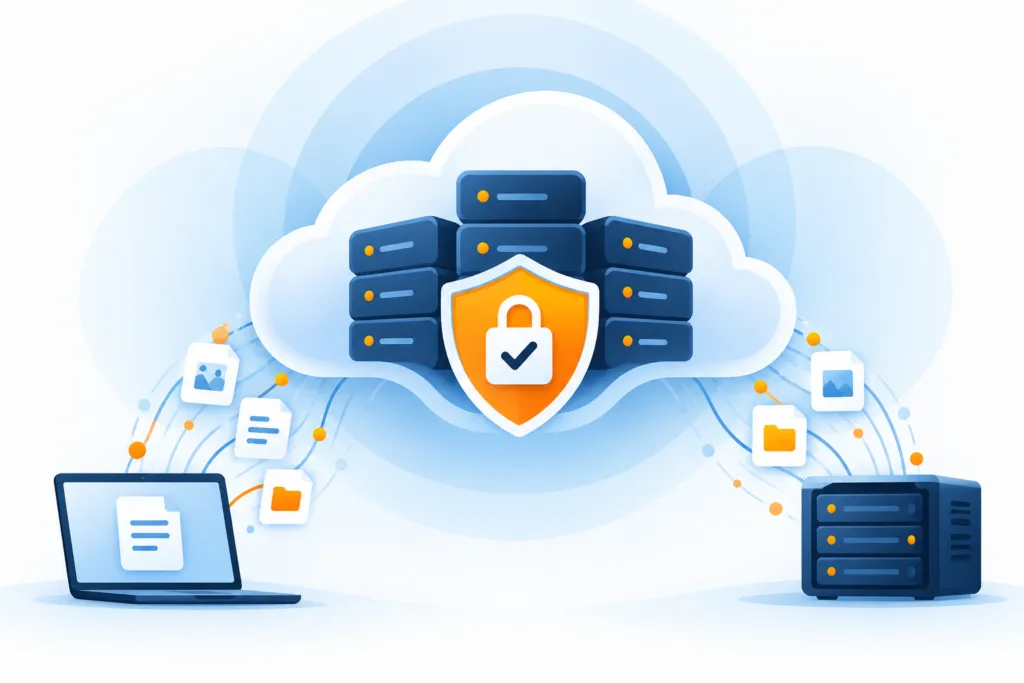
Hybrid backup is now supported for all types of backup. A local copy can be kept for quick operational recovery while simultaneously being automatically replicated to one secondary destination or multiple destinations — providing off-site redundancy and disaster recovery.
- Fast local recovery
- Improved resilience
- Geographic redundancy
- Better readiness for ransomware recovery
This approach allows organizations to strengthen their backup strategy without compromising recovery speed.
Synthetic backup to local storage destinations
Synthetic backup is now also supported on local disks and network folders. This allows for an efficient Forever Forward Incremental (FFI) strategy to be implemented on local storage targets.
Key advantages
- Reduced storage consumption
- Accelerated incremental backup operations
- Reduced infrastructure costs
- More efficient retention policy management
- Better adaptation to environments with limited storage capacity
This capability is especially suitable for service providers and organizations looking to utilize storage efficiently while maintaining long-term retention policies.
Restore files and folders via the browser
Individual files and folders can be restored directly through the browser, without the need for a full system restore. The capability is available for Image backups, file backups, and VMware, Hyper-V, and Proxmox backups. The files download directly to the browser's downloads folder for quick and convenient restoration.
Built-in Security
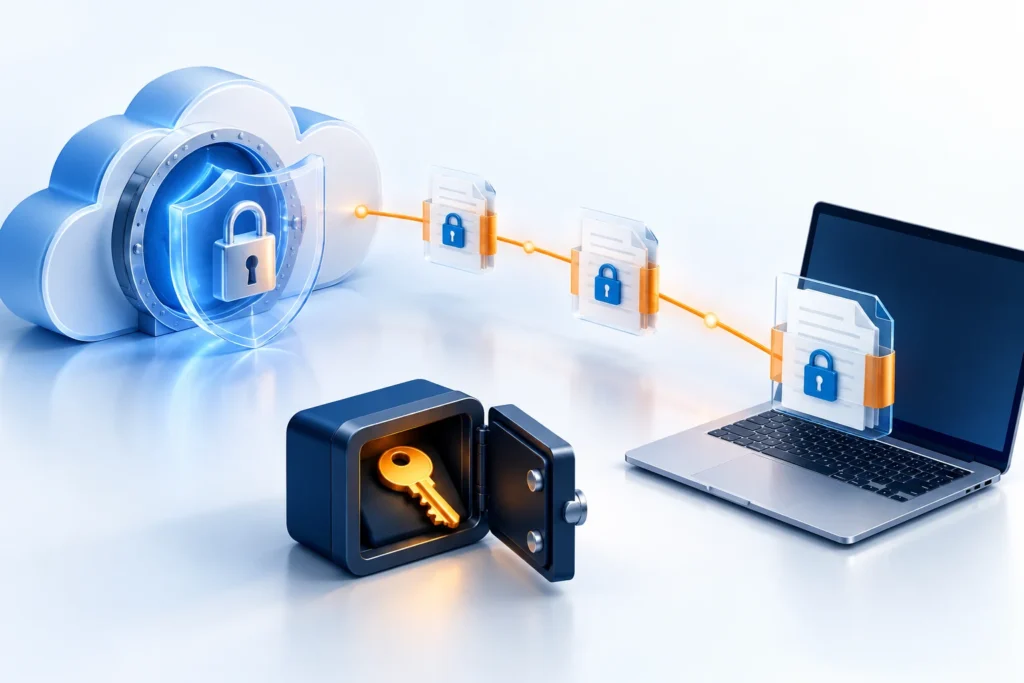
All data transfers are protected by AES encryption. In browsers that support the Web Crypto API, such as Google Chrome, downloaded ZIP files are automatically decrypted in the browser. When client-side decryption is not supported, the archive can be securely decrypted after download using the encryption password.
This makes the file restoration process simpler for system administrators and end users, without compromising security levels.