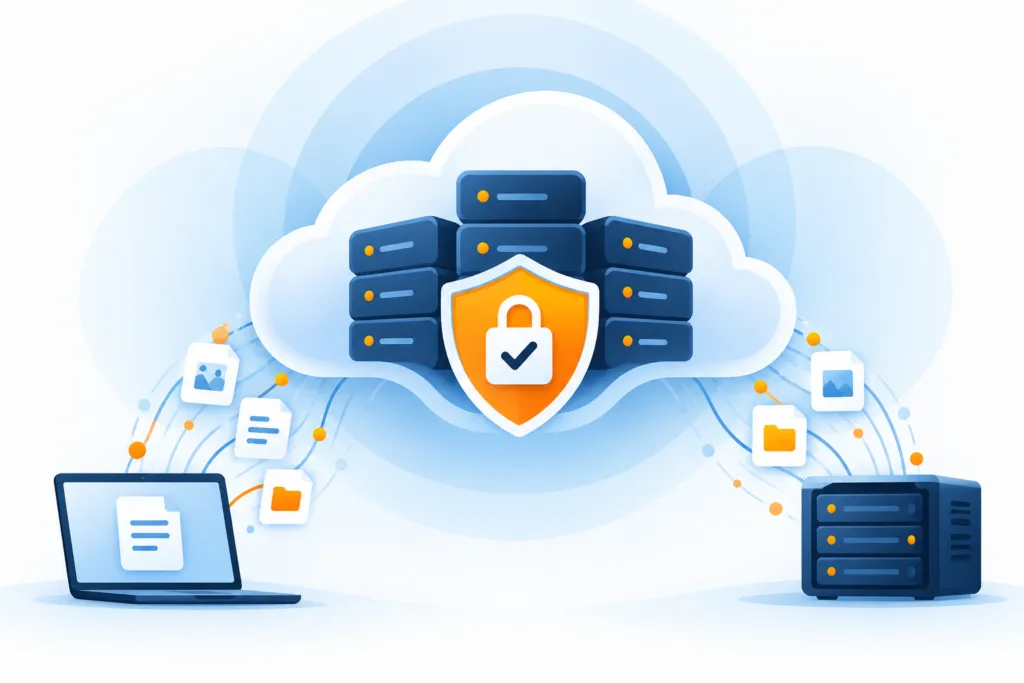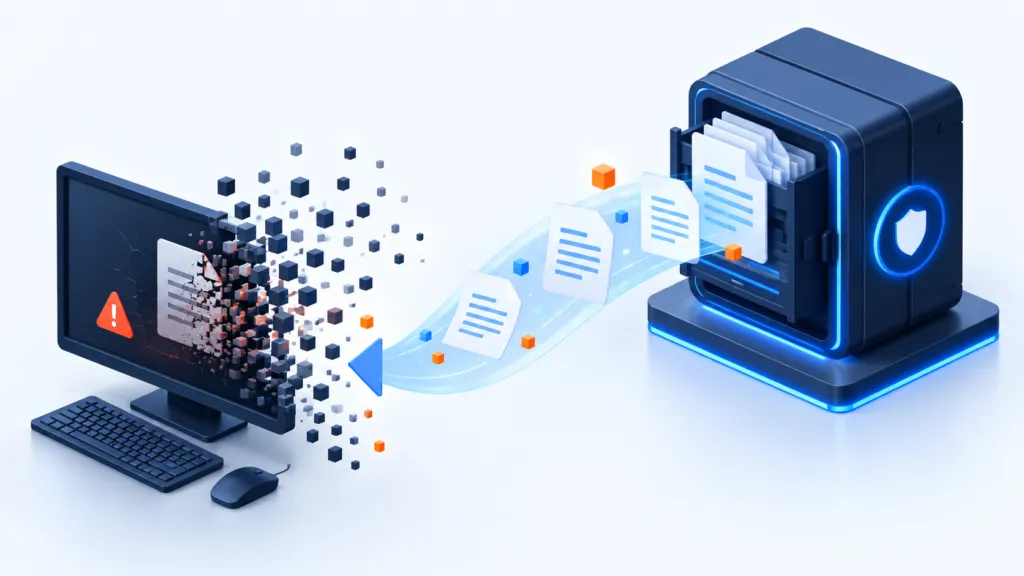
Ransomware affects systems. The response must get the business back to work.
What to prepare in advance, what to do during an event, and how to return to routine? One guide that connects people, processes, and technology, with clear responsibility, backup protection, and tested recovery. During stress, a joint plan is preferable over several versions of 'I think it's best.'
Before the event: Why you need a plan, and who it is suitable for?
Prevention is the starting point, but there is no guarantee that any attack won't bypass defenses. A response plan helps both the internal IT team and managed service providers know what to do when information or services are compromised. The goal is to shorten decision time, minimize damage, and restore work in a controlled manner.
Even a small business needs to prepare if system shutdowns affect operations. The size of the plan and resources vary, but the basic questions are similar: who makes decisions, which service comes back first, and from where do you restore? It's better to settle these questions while the coffee is still hot and the systems are still running.
A well-organized plan can improve the ability to recover without relying on paying a ransom. It also requires addressing the method of intrusion and assessing whether the attacker is still present. This helps with business continuity, IT trust, and maintaining service for customers. It is preparation for risk reduction, not a promise of immunity.
What to prepare in advance? A practical template for a plan
The plan should fit the information at risk, the backup and recovery tools, and the available resources. A good template gives the team one place to find the important decisions. It does not need to win a competition for the number of pages; it should be accessible and clear under pressure.
- Systems and priorities: List of critical assets, responsible owners, dependencies, and RTO and RPO objectives for each service.
- Team and contact: Incident manager, alternates, IT and security personnel, management, legal counsel, and relevant vendors. Keep an authorized way to access the list even when the network is unavailable.
- Authorities and controls: Who is authorized to isolate a system, block an account, change access, or approve return to production, and how actions are documented.
- Backup and recovery: Where the copies are located, how to access them securely, how to choose an appropriate point, and to which environment to restore.
- Communication and reporting: Who updates employees and customers, and who checks reporting obligations according to the law, agreements, and the incident. Establish an alternative channel for systems that may be affected.
- Testing and approval: How to check data, applications, and dependencies, and who approves that a business service has been properly restored.
- Monitoring: Review schedule, exercises, documentation of changes, and tasks that remain open.
Afterwards, translate the decisions into the sequence of actions that follows: identification, isolation, management, damage assessment, backup protection, investigation and cleanup, restoration, and return to routine. Some actions are performed in parallel; do not wait for each stage to finish before involving the response team or checking reporting obligations.
Stop and verify
Event identification and official declaration
Early signs can include unfamiliar file extensions, a ransom message, mass encryption, unusual load, or suspicious logins. Do not assume it is a regular malfunction: immediately activate the incident protocol and appoint a single incident manager.
- Record the discovery time, the first affected user, and computer.
- Photograph the ransom message and save logs and alerts.
- Open an alternative communication channel that does not depend on the affected systems.
- Notify the response team and pre-designated management personnel.
To distinguish between isolation, shutdown, and evidence preservation: CISA Ransomware Response Guide
Stop the spread first
System isolation and attacker containment
Disconnect suspected workstations and servers from wired and wireless networks, but preserve their state as much as possible. Block suspected accounts, API keys, and active VPN connections. Separate the production environment, management environment, and backup repositories.
- Disconnect non-essential file shares.
- Isolate the affected VLAN or network segment.
- Do not connect backup drives to the suspected environment.
One person manages, everyone documents
Activating the response team and controlled communication
The event requires a clear division of responsibilities: incident manager, IT and security team, management, legal counsel, cyber insurance, privacy and communications. Every decision, change, and authorization is documented in a single timeline.
| Role | Core responsibility |
|---|---|
| Incident manager | Prioritization, approvals, and situational overview |
| IT and security | Containment, investigation, cleaning, and recovery |
| Management and legal | Business risk, reporting, and decisions |
| Communications | Unified message to employees and customers |
Contact list outside the network
- Private phone numbers of the role holders.
- Backup provider, forensic expert, and insurance company.
- Legal counsel and relevant authority, as required.
- Pre-approved templates for employees, suppliers, and customers.
Understand what was affected and what takes priority.
Mapping the extent of the damage and business prioritization
Build a quick list of stations, servers, cloud applications, identities, databases, and file shares that are affected or at risk. Prioritize based on impact on operations and according to recovery objectives.
- RTO: How long can the business manage without the service?
- RPO: How much information can be lost between the backup point and the incident?
- Who depends on the system and what are its technical dependencies?
- Is there any indication of data leakage in addition to encryption?
The backup is the last line of defense.
Protecting backup repositories and verifying recovery points
Before restoration, ensure that the ransomware has not reached the backup repositories. Stop tasks that might overwrite clean versions, disconnect suspicious permissions, and choose a recovery point from before the breach, not just before the encryption.
- Verify an isolated or immutable copy.
- Check backup logs and permission changes.
- Scan the recovery point in an isolated environment.
- Perform a test restoration of a file, application, and server.
Do not restore into an infected environment
Investigation, cleaning, and closing the intrusion path
before deletion
- Keep samples, disk images, memory, and logs as needed.
- Identify the login account, point of intrusion, and network movement.
- Check if control tools, scheduled tasks, or new users were installed.
Before returning to production
- Change passwords, keys, and secrets from a clean device.
- Apply security updates and close exposed services.
- Reinstall systems that cannot be guaranteed clean.
- Harden MFA, admin permissions, RDP, and vendor access.
Return gradually and check at every stage
Controlled recovery to a clean environment
Set up a clean restoration network and restore systems according to business dependencies. At each stage, scan, verify integrity, and obtain approval before connecting to the next stage.
Identities and infrastructure: DNS, Directory, communications, security, and management.
Data and applications: Databases, servers, and core services.
Business tests: Login, permissions, transactions, and reports.
Gradual rollout: Pilot group, departments, all users.
The event is over only when the business is stable.
Returning to routine, monitoring, and learning lessons
Return users to work only after technical and business approval. Continue with enhanced monitoring of identities, traffic, and file changes. Within a few days, conduct a blame-free investigation and turn each lesson into a task with an owner and date.
- Confirm that systems, data, and integrations are intact.
- Complete reports for customers and authorized entities according to law.
- Update the asset map, restoration order, and contact lists.
- Schedule an additional recovery exercise to test the fixes.
Example improvement board after the event
| Date | Action |
|---|---|
| 24 hours | Stabilization, monitoring, and authorization of system owners |
| 72 hours | Initial summary and follow-up on open actions |
| 7 days | Root cause investigation and corrective action plan |
| 30 days | Repeat exercise and verification of gap closure |
The schedule is an example of work planning, not a legal reporting date or a target suitable for every event. Reporting obligations and deadlines are examined separately according to the law and agreements.
Practicing and updating: the plan continues to live after writing
After the document is ready, see if it can be followed. Conduct a table-top exercise where participants go over a scenario, and a separate recovery test in an appropriate environment. Look for outdated contacts, missing permissions, forgotten dependencies, or instructions for which it is unclear who is responsible.
- Define a team: Ensure that each participant knows their role, authority, and their substitute.
- Review the plan: Practice decision making, containment, communication, and recovery without affecting the production environment.
- Repeat the review: Set a frequency that matches the risk and the service agreement. People, systems, and threats do not remain at the same version.
- Update after changes: Adding a cloud service, replacing a server, changing workflows, or implementing a backup solution should lead to a review of the plan.
- Closing gaps: Assign a responsible party and a target date for each finding, and then verify that the action has been completed.
It is recommended to combine exercises with recovery tests and with ongoing backup monitoring. These provide information about the actual situation, not just what you intended to configure.
The goal is a team that knows how to operate and a tested recovery path. An updated document helps a lot; a document forgotten in a folder named "Final" mainly serves as a reminder of why it is worth practicing.
Prepare the plan before you need it.
Tested backup. Practiced recovery. Business that keeps running.
BackupONE helps protect computers, servers, and virtual machines through local and cloud backup, version retention, immutable copies, and controlled recovery processes.