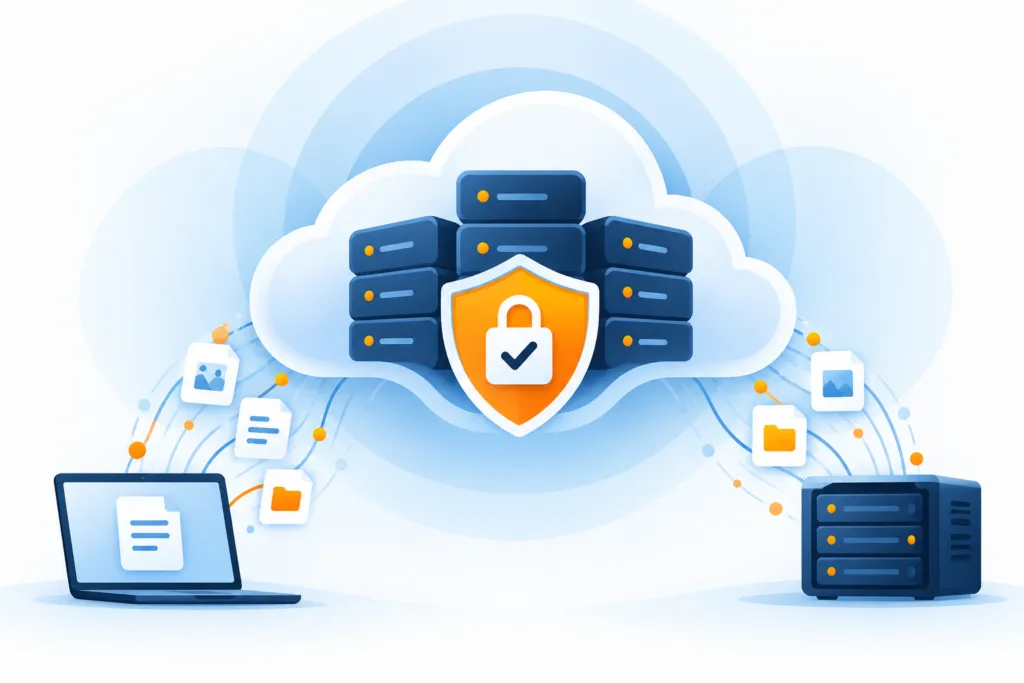
There are several disks in the server, the data is duplicated among them, and everything works nicely. Can we breathe a sigh of relief? We can — but before declaring that the data is protected, it is worth understanding a difference that makes a lot of sense: RAID with redundancy helps deal with disk failures. Backup helps recover lost data. The disk can fail, but someone can also accidentally delete a folder. Sometimes that someone is us, after the first coffee.
Each layer and its function
- RAID helps with continuity
- Backup retains historical recovery points
- Checking alerts and recovery
RAID is a way to connect several physical storage devices into an array that the system presents as a single logical unit. The name is an abbreviation for Redundant Array of Independent Disks. Depending on the configuration, it can improve read and write performance, add redundancy, or combine both. Here we will understand how it and backup can complement each other.
First of all, what is RAID?
There are many RAID configurations, each with advantages and limitations. We will go over the common ones and their combination in backup planning. A higher number does not necessarily mean "better" — it's a bit less like a hotel rating and a bit more like choosing a tool.
RAID can be managed via a dedicated hardware controller or through software, for example via the operating system. The source presents a software implementation as a simpler and cheaper way, without the need for a dedicated controller and additional proprietary firmware. The appropriate choice in practice depends on your system and requirements.
RAID 0: when speed takes the stage
In RAID 0, data is divided into blocks and spread across multiple disks. Instead of one disk doing all the work, several disks work in parallel. This can increase read and write speed, but the configuration does not provide redundancy.
RAID 0 may be suitable for work where performance is particularly important, but it does not protect against disk failure. If one disk fails, missing parts of files can lead to data loss in the array. There is no additional copy from which they can be recovered. More disks provide more space to work with — and more components that can fail.
- Advantage: Potential for high performance.
- Disadvantage: No redundancy and no protection against loss due to disk failure.
RAID 1: two disks, the same data
RAID 1 works through mirroring: in the basic configuration, data is written to two disks, each holding the same information. If one fails, it is usually possible to continue working with the other, as long as it and the array are intact.
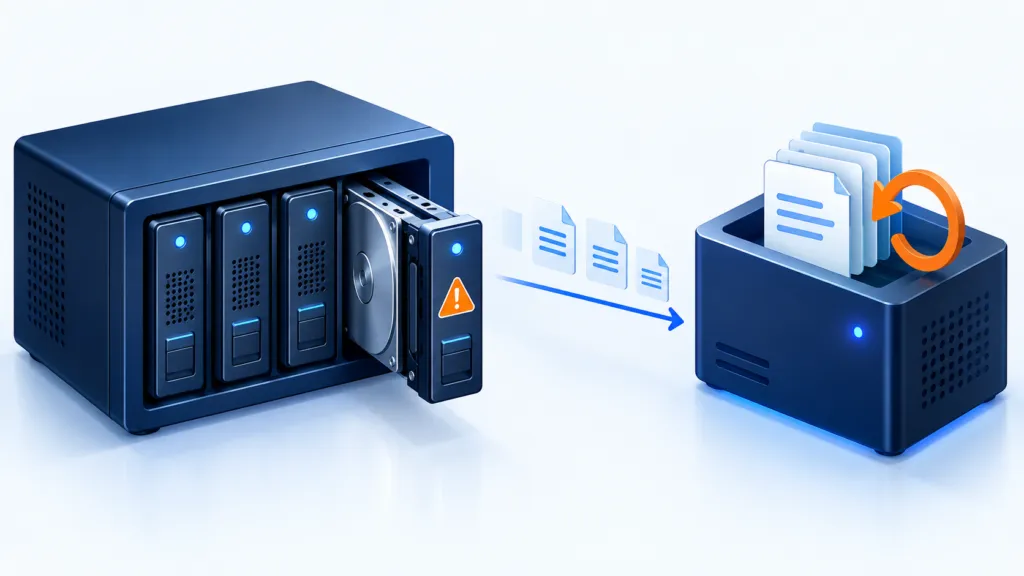
Replace the faulty disk, and the array copies the data from the intact disk to rebuild the mirror. Of course, the additional copy takes up space: in a mirrored pair configuration, two 4-terabyte disks provide about 4 terabytes of usable space before overhead, not 8.
- Advantage: Ability to handle disk failure in the appropriate configuration.
- Disadvantage: Higher storage cost per usable unit of volume.
RAID 5: redundancy through calculation
RAID 5 requires at least three disks. It spreads the data between them as well as calculated information called parity. The parity allows recalculating missing information if one disk fails. The source presents this as a balanced combination of redundancy and relatively good performance.
In a normal state, it is generally possible to continue working after the failure of one disk, as long as the rest of the array and information are intact. After replacing it, the missing information must be rebuilt. This can take time and put a load on the remaining disks, so a faulty disk warning is not a task you want to leave as 'We'll deal with it next week.'
- Advantages: Reads may be fast, and it is possible to cope with the failure of one disk.
- Disadvantages: Write operations may be slower due to the calculation and writing of parity.
RAID 10: distribution and mirroring in one package
RAID 10 combines mirroring and striping. Pairs of mirrored disks are created, and blocks of information are striped between them. In each pair, a copy is kept on two disks. This way, it's possible to achieve potential for good performance alongside redundancy.
The basic configurations of RAID 0 and RAID 1 in the article require at least two disks; RAID 10 in its usual configuration requires at least four. The ability to cope with multiple failures also depends on which disks failed: the failure of both disks in the same mirrored pair can bring down the array.
- Advantages: Potential for high performance and ability to handle certain disk failures.
- Disadvantages: Higher cost and requirements for volume and planning that may limit expansion.
There are also additional configurations, each with its own uses and limitations. The choice should match your work. After understanding the role of the array in storage, we can move on to the question for which we gathered: what happens when information needs to be restored?
So why doesn’t RAID replace backup yet?
RAID 0 does not keep an additional copy. RAID 1 mirrors the information, and RAID 5 can handle a single disk failure. But redundancy within the array does not restore deleted or changed information. Mirroring is very faithful: if you delete a file, it will ensure that the deletion is also synchronized. It simply does not know that you intended the folder next to it.
The source refers to RAID 1 or RAID 5 in a sense as a 'local backup,' but later clarifies that the array can be used as a backup target when an additional copy of information that exists elsewhere is stored there. This is an important distinction: if the information exists only on the array, you still have only a single copy of the information.
It is possible to back up data to a RAID array, and it is possible to back up the data that is already on the array itself. The operating system usually presents it as a logical volume, and an appropriate backup tool can work with it like any other volume. Copies and restore points are provided by the backup process; the array supports storing them.
Where does RAID fit within the 3-2-1 rule?
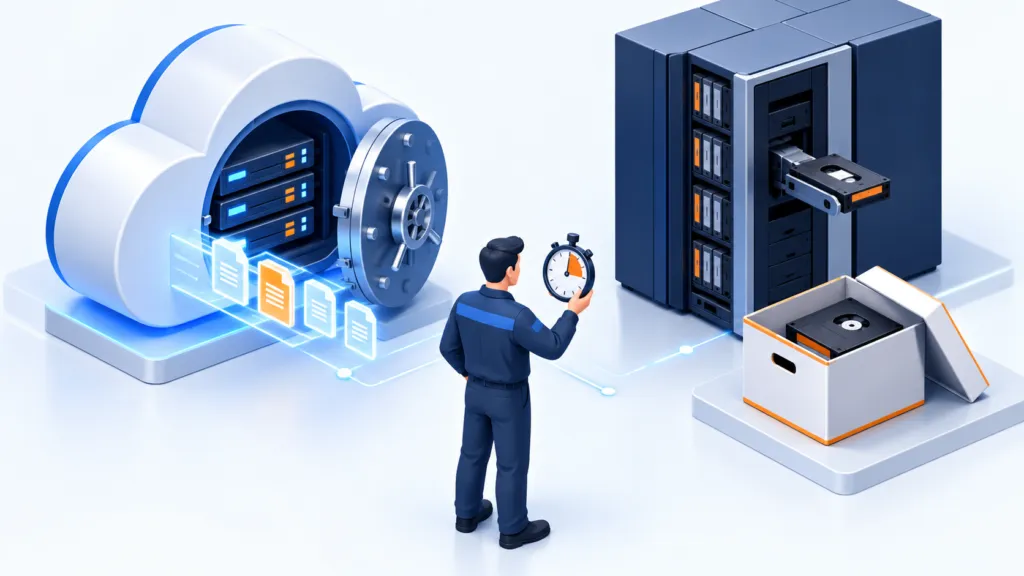
RAID or NAS can be integrated into a plan that includes separate local copies and an off-site copy, for example in the cloud. The role of RAID is to support the availability of the source or backup target. Several disks in the same array alone do not fulfill the requirement for independent copies.
RAID can add redundancy and performance, serve as storage from which backups are made, or as a backup target. To protect the information, you also need separate copies and recovery tests. The green light is certainly encouraging — but it's nice to know that there are also files behind it that can be opened.
Before closing the topic, check which RAID configuration exists, what failures it can tolerate, and whether a failure alert is received. Then check that there is a separate backup with appropriate restore points and an offsite copy. And finally: when did you perform a restore and verify that the information really comes back intact?