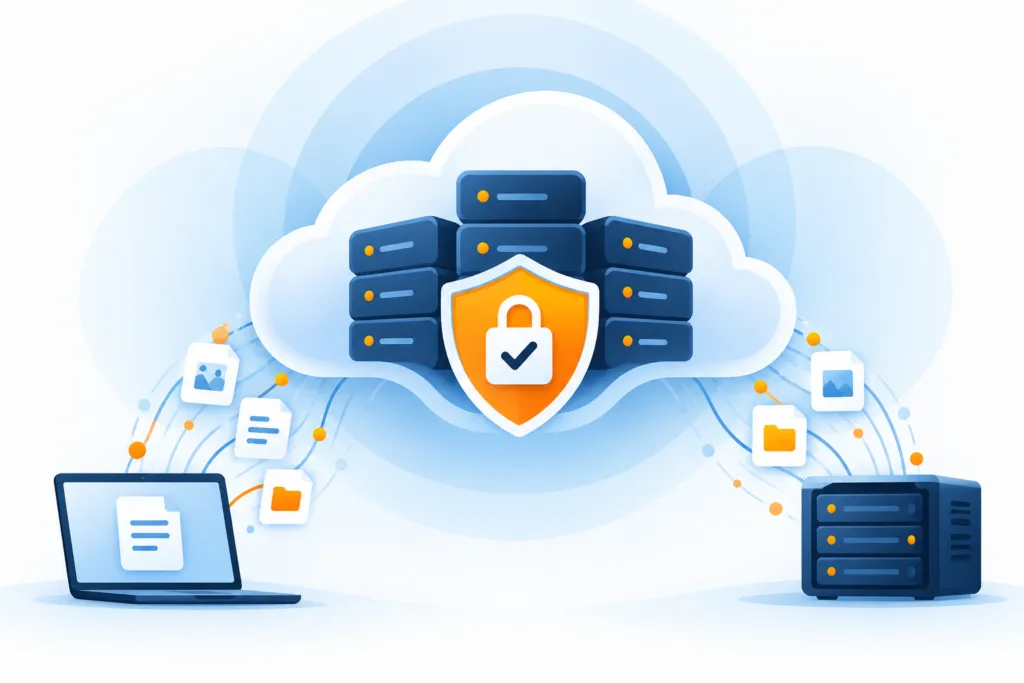
"We have a backup" is a good start. But if the server goes down, do you also know where to run the system, who handles it, and how long it will take to get back to work? This is where the difference between backup and disaster recovery lies. On a personal computer, a copy of the files might be enough to return to routine; in a business with interconnected systems, you usually need a broader picture.
From the copy to the service
- The information is preserved
- The environment is ready
- Work resumes
In a business, simply preserving information does not always restore operations. If the infrastructure is damaged or if systems are held hostage by ransomware, a process is needed that also restores services. Disaster recovery involves far more than copying files to a safe location.
We’ll organize these two processes, understand what each covers, and see which questions are worth asking when planning business protection.
Backup and Recovery: Who Does What?
Backup: copying information to a location from which it can be restored
The backup destination is used to restore information when there is a problem with the infrastructure or service. The backup can be kept on additional storage at the same data center, at a remote data center, in the public cloud, or in multiple destinations, depending on the plan.
Disaster Recovery: protecting information and services and restoring them to operation
Disaster recovery is the way an organization resumes using IT infrastructure after a cyberattack, natural disaster, or other event. Backup is part of this process, but systems also need to be brought back into operation. Files may be safe while employees are still asking, 'When can we log in?'
The source emphasizes that the goal of cloud recovery is to minimize downtime and its impact on the business and customers when infrastructure or service is affected.
What changes in purpose, scope, and resources?
Purpose
A copy of important information is kept so that if the source is damaged, it will be possible to restore the information. A broader disaster recovery plan defines how to restore the required IT systems to operation.
As an example, the source describes dedicated cloud storage where infrastructure backups are kept. In the event of a widespread attack, flood, or other event, the copies are used to restore operations.
Scope
The scope of the backup focuses on creating a copy of valuable information. Disaster recovery should protect the information and also allow quickly identifying where the copy is and restoring it to the appropriate location.
The recovery plan can cover the entire business or a specific department. It particularly refers to critical servers and applications on which operations depend.
Cost and Resources
A full recovery plan usually requires more resources than simply maintaining copies. There may be a need for alternative infrastructure on which the services will operate. Backup media may cost less, but it does not operate the business itself. The cost should be considered against the services that need to be restored and their objectives.
What does your business need to keep working?
In some cases, a backup plan alone may be sufficient for a component that is not central to business operations. For example, the loss of a single computer or an employee's phone does not necessarily critically affect the business. The device can be replaced and its data restored from the backup.
On the other hand, disaster recovery is essential for the services and infrastructure that the business relies on every day. If employees' computers are thin clients dependent on a central server and database, a failure in these systems can disable everyone's work. This is an event far more serious than the failure of a single workstation.
When the server and database are shared among employees, there needs to be an organized way to restore both so the team can return to work. This is already a business recovery task, and not just a computer replacement.
Another example is commitments to customers under an SLA. Failing to meet contractual commitments can damage the business. Therefore, information and infrastructure required to meet the service level need to be addressed in the recovery plan.
Excellent support from a software vendor also does not replace a recovery plan. The vendor can help with a product issue, but usually does not guarantee to restore all information and services within the time the business needs. A continuity plan typically requires both backup and disaster recovery.
Planning the way back before a failure occurs
When building the plan, several factors are considered so that the solution performs as required during an event. Disaster recovery begins with planning, along with people who are familiar with both backup and restore and the business.
The source uses the description of a hundred-page document to illustrate the scope of work. This article is not a complete plan but presents key points: set goals, plan how to achieve them, and test the plan and the environment.
How are RTO and RPO related to backup and recovery?
Both metrics help quantify the extent of disruption a business can tolerate before critical damage occurs. RTO, Recovery Time Objective, defines within what timeframe a service or information must be restored following a shutdown. RPO, Recovery Point Objective, defines the maximum data loss window the business can accept.
The solution must address both. Defining them is one of the first steps in building a backup and recovery strategy.
The recovery plan
After defining the objectives, it is possible to build the plan. It should include more than just storing information. Backups at appropriate intervals support the RPO, but tools and processes are also required to restore information and services in the necessary time to meet the RTO.
Recovery tests
Do not save the first test for a real event. Practice parts of the plan and check that they support the objectives. A nice document helps organize things, but it cannot press the recovery button for you.
Where can a managed backup service help?
To recover quickly, an appropriate backup solution is needed. If it is not possible to back up reliably and with the required flexibility, it is hard to restore on time. A managed backup service can be a useful component, as it handles the process routinely and automatically according to the settings.
The source describes BaaS as a service in which a provider creates, stores, and manages a copy of the company's data in the cloud. It notes advantages of saving time and effort, as well as flexibility and scalability, where capacity is not limited only to local infrastructure. Depending on the solution, the information can be stored and restored also in the cloud.
A good copy is a start. The way back is the plan
Backup and disaster recovery are different processes, and both are important for business operations. Recovery involves more than just data backup: you need to consider RTO and RPO, choose tools and processes that enable meeting them, and test the ability to resume work after a disruption. Managed backup can be one of the components that adds flexibility and scalability to the plan.