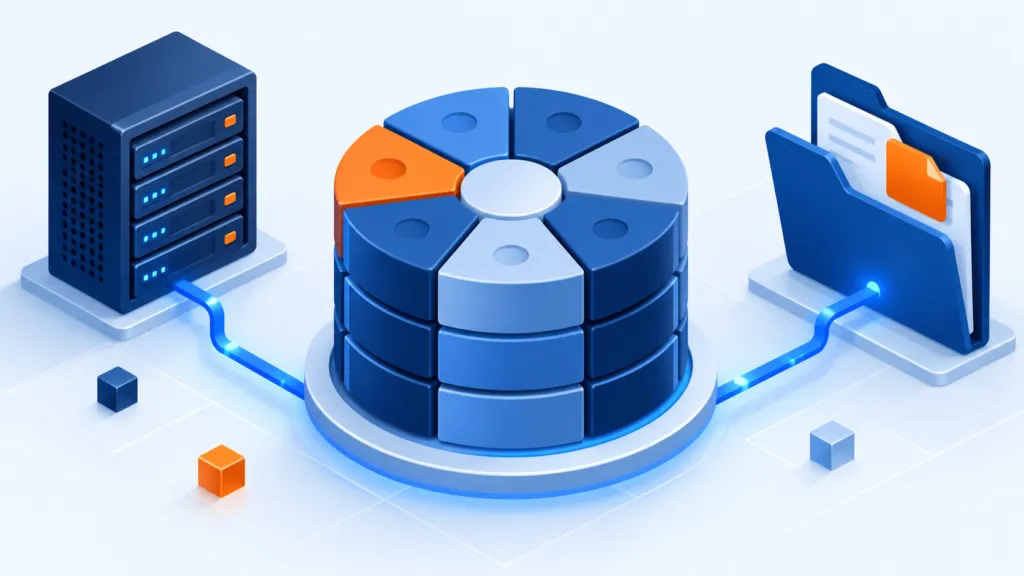
We see folders and files. The storage system can see something completely different: blocks of data. Block storage is useful, among other things, in virtual machines, network-attached storage, and SAN. To understand when it is suitable, you need to go one layer below the folder — without getting lost along the way.
Below the files
- Storage provides blocks
- The server organizes the information
- The application requires consistent backup
We will understand what block storage is, where it is used, and how it differs from a file-level storage interface. The distinction is important for planning, even if in daily life you only open a document and save it.
What does the system see when it stores blocks?
Block storage saves data in units called blocks, in a device that the system addresses as a block device. The source describes a single disk and also mentions DRBD, a solution for replicating block devices between computers. In a later note, we will clarify this description.
Each block has an identifier that the system uses for reading and writing. The block interface does not display folders or file names, and adjacent blocks do not necessarily contain related data. The system does not look for "the final quarterly report really" — it accesses the block address.
The source describes the absence of directories and file metadata at the block layer as a factor contributing to simplicity and efficiency. According to it, more of the volume can be used to store data and less of it is devoted to storage hierarchies.
Block storage may be suitable for workloads that require flexibility in storage resources and appropriate read and write times. In these situations, the way the application accesses data is more important than a direct and convenient presentation to humans.
A storage network, SAN, typically provides block storage. The host can set up a file system on it and expose it to users conveniently. Virtual machine platforms, such as VMware, also use block storage in some configurations: it is possible to manage volumes, adjust virtual disk sizes, and transfer information between hosts according to infrastructure capabilities.
Blocks and files: two layers that can work together
File-level storage organizes information in file systems. The source describes creating partitions on disks and installing a file system on them, and claims that the size of the file system is usually limited to a single disk. It presents block storage as more scalable and faster, but sometimes less convenient for direct use.
The comparison table in the source, with generalizations marked.
| Feature | Block storage by source | File system by source |
|---|---|---|
| Scalability | Very high | Limited |
| Overhead | Very low | Relatively high; source mentions about 7% less usable space compared to raw capacity |
| Related data continuity | No | Usually yes; file fragmentation can harm continuity |
| Metadata | No | Yes |
| File access speed | Very fast | Less fast |
| Folder hierarchy | No | Yes |
According to the source, file-level storage is particularly suitable when:
- Capacity requirements are known and defined.
- Moderate delays in reading and writing can be tolerated.
- Ease of use and information retrieval are more important than performance and scalability considerations.
The source suggests block storage when:
- The storage volume is not known in advance or varies.
- Performance and availability are more important than direct ease of use.
The lists describe the source's line of thought, not a recipe suitable for every system. Check the type of application, access interface, and the capabilities of the specific solution. Sometimes the file layer and block layer are parts of the same solution.
Choose according to the way the application works
Block storage can be well suited for certain workloads, especially when flexibility and performance are important. The source also emphasizes distributed systems that can scale significantly. To choose correctly, start with how your applications use information and the layers they need—not just the name of the storage type.
Source for correction notes: IBM explanation of block storage and comparison of storage types.