Customers need backup, and you are already managing their systems. It sounds like a natural step to offer backup as a service, BaaS. Some providers still leave backup in the customer's hands, and others have not yet turned it into a recurring service. To do it well, you need more than software that copies files: you need a service that can be established, managed, and delivered predictably.
The key principles
- Plan from the recovery backwards
- Examine capabilities and storage
- Define management and service
The service should provide value to both the customer and the provider. Choosing software and operating backups are only part of the work. Technical details determine what can be promised and what can actually be carried out.
We will examine the technical considerations for service planning. Decisions about the way of working will later affect the scope of the service, the service level agreement, and pricing. It’s better to decide what can be delivered before drafting a promise to the customer.
Who benefits from the service?
Not every provider needs to launch BaaS tomorrow morning. There are two basic questions: does the customer need the service, and can you profit from providing good service? Without a real need, you end up with a solution that circles around looking for a problem.
Backup allows responding to damage caused by people, system failure, or weather. Malware that infects stations and ransomware that encrypts information and systems require the ability to return to a saved normal state.
Setting up and monitoring backups can generate recurring revenue. Depending on the service definition, there may also be ad hoc services in response to an event, dealing with threats, and performing backup and recovery tests.
According to the source, BaaS can address a business need and create a profitable service area. To start, you need to examine which services customers require and what your technical capabilities are.
What exactly do you commit to providing?
Buying backup software and adding a small amount to its monthly cost is still not a complete service. You need to define what is backed up, where, in what way, and how everything is managed. These decisions affect efficiency, predictability, and profitability.
The source divides the considerations into four areas:
- Features and capabilities of the backup solution.
- Backup storage.
- Backup management.
- Recovery options.
Checking that the software fits your work
There is a variety of solutions, methods, and capabilities. Examine thoroughly the solutions you are considering in relation to the following aspects.
Installation and configuration
Beyond basic simplicity, the solution must be suitable for the work of a service provider: quick installation, managing multiple clients separately, convenient connection to storage targets, and so on. These help in setting up the service.
Support for different operating systems
If all clients work with Windows, some of the choice is simply easier. In practice, employees may use Macs and servers may run Linux. Check support for Windows, macOS, and Linux according to the environments you actually manage.
Application-aware backup
When an application fails due to a corrupt or inconsistent database, recovery efforts should focus on the required data. An application-tailored backup can help preserve the information in a way suitable for its restoration.
The source uses the example of choosing Office 365 and mentions applications such as SQL Server, Exchange, Office 365, and Google Apps. Such services, especially for cloud applications, can be part of the offering or an addition as needed.
Some types of backup
The source distinguishes between file backup and image backup. File backup is suitable for protecting a specific group of information against corruption, deletion, or encryption. Image backup is suitable for restoring a broader system, including physical and virtual recovery scenarios.
Depending on the solution, it is also possible to open or mount an image and extract individual files from it. Examine whether clients need file-level backup in addition to an image, and do not assume that one product supports all options.
Efficient technology
The expectation is not just to copy information to a destination. Solutions also include ways to optimize what is transferred and preserved: incremental backup, deduplication, compression, and bandwidth limiting are examples in the source.
Understand the implementation details and the fit to client needs, in order to improve operational and recovery efficiency without compromising coverage.
Security
Customer information may include information subject to requirements, intellectual property, operational secrets, and personal details. The source emphasizes encryption during transfer and in storage.
Each of these considerations determines how the service will operate: for example, whether you can provide service to a customer using only Mac or a customer with only physical servers. Decide what is required in the solution and verify that it also supports the storage method you have chosen.
Where will the copies wait for the day of recovery?
The location of the information affects its availability, recovery speed, and cost to the customer. The source recommends planning according to 3-2-1:
- Three copies of the information, including the production copy.
- Two different types of media, such as disk and tape, or other appropriate targets.
- One copy off-site, for example in the cloud.
Local storage
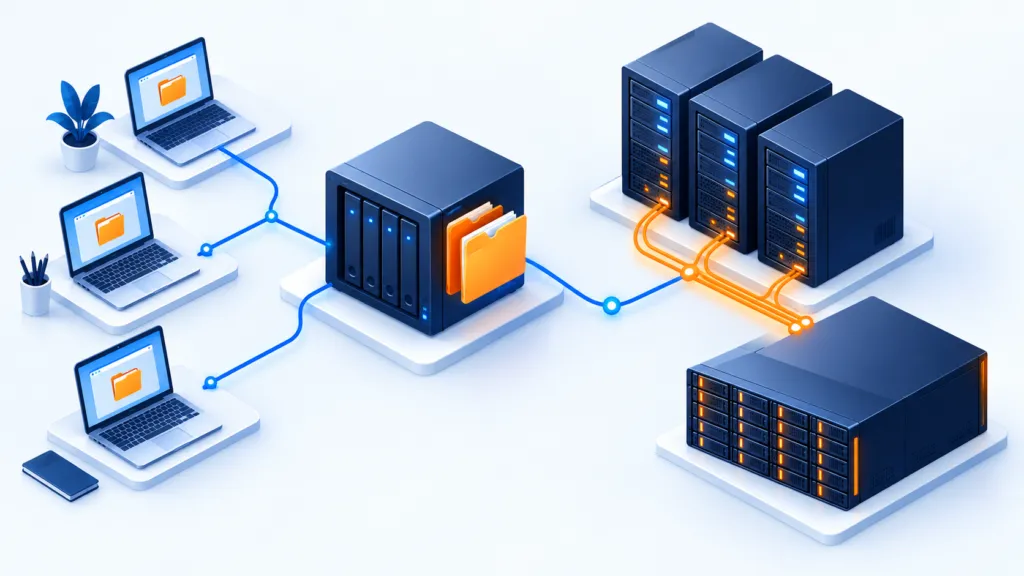
SAN, NAS, on-site storage server, or tape at the customer's site can provide a local copy. Local configurations allow access even without the internet, but the speed of accessing the information depends on the media and implementation.
Remote storage and cloud
The source includes in this category storage from the backup software provider, a public or private third-party cloud, and also the customer's remote data center. Multiple options can expand the ability to choose an appropriate price and features.
The goal is to keep backups offsite, so they are available when remote restoration is needed or when the local site is compromised.
Hybrid model
Keep a local copy and a cloud copy. Such a combination can address different types of events as well as situations where there is no internet access. When choosing, we examine monthly cost, retrieval and transfer speed, active or archival storage layers, security, and availability.
What is required to manage the service day-to-day?
As with any service, the work needs to be efficient, simple, and useful. Even a technically good solution can incur high costs if it lacks management capabilities suitable for the service. The source suggests checking:
Remote management
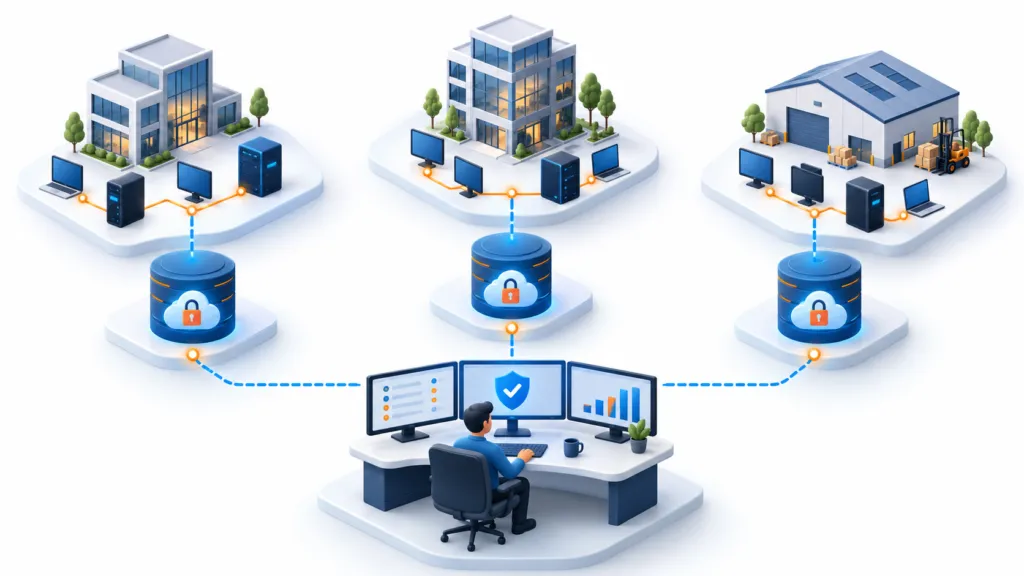
Centralized management can allow the team to monitor different clients without managing each site separately. Separation of information and permissions between clients should also be maintained in a shared console.
Monitoring and alerts
When managing several clients from one location, the team needs to know about issues in real-time. Set up alerts so that it's clear who has a problem and what requires attention. A central console is especially useful when it doesn't wait for someone to open it by chance.
Licensing and billing
If the billing model is volume-based, storage per client needs to be tracked and reported. Licensing costs to meet each client's requirements should also be monitored. The billing method itself may vary depending on the offer.
Integration with additional systems
The backup service does not operate alone. Integration with ticketing, billing, and automation systems allows it to be a consistent part of the provider's service array.
Planning the way back as well
A customer may lose information, experience a system failure, or be affected by a disaster. For the service to help then, the recovery method must be defined in advance. The important question is not only whether there is a copy, but how to use it to restore the work.
Consider how you will deal with the loss of data, applications, system, hardware, site, internet, or business capability. Some recovery options allow addressing different types of events.
File recovery
When it comes to accidental deletion or damage to certain files, there is not always a need to restore the entire system. Restore the affected files after assessing the scope of the event.
Bare Metal recovery
If it is necessary to rebuild a physical system, the ability to restore the operating system, boot data, and the rest of the system can reduce manual work. Solution support and target compatibility are required.
Recovery to a virtual machine
Hardware failure may require an alternative target that is not yet available. The option to restore a system to a virtual machine instead of waiting for physical hardware can shorten recovery in an appropriate scenario.
Cloud recovery
Loss of the local site may leave you without a local recovery destination. The source suggests including the option to run the system in the cloud, even as an add-on to the service. On-demand computing resources can be a practical solution, but it is advisable to check costs, connectivity, and compatibility.
Backup of work packages in the cloud
The source emphasizes the need to examine the limits of cloud application providers' commitments. Geographic redundancy does not necessarily allow recovery from any deletion or damage. Proposing backup for Microsoft 365 or Google Workspace mail and data can add recovery capability.
Starting from the customer's need to recover
Backup as a service does not become simple just because the backup operation seems simple. Start with the critical data that the customer needs to restore, and work backward to a solution capable of backing up and restoring it.
Go through the four areas: capabilities, storage, management, and recovery. This way you can understand what is really required and define a service that can be delivered. A promise that is easy to write should also be an action that the team knows how to perform.