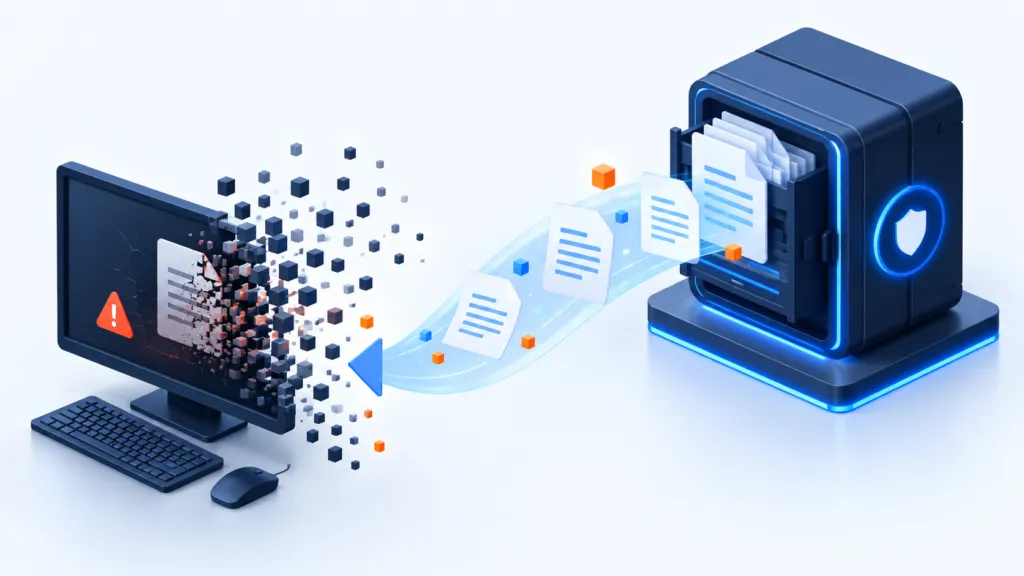
In a ransomware attack, the payment demand makes the headlines. The business has another bill to pay: systems that don't work, lost time, affected revenue, and a reputation that needs to be restored. This historical document from 2019 explains where backup and recovery fit into the protection plan, and why paying the ransom — which the source describes in amounts from hundreds to tens of thousands of dollars — is not necessarily the main damage.
The key principles
- Prevention and complementary identification
- Keep a clean copy
- Check restoration
For example, the source indicates that FedEx estimated nearly $300 million in damage following the hit to its Dutch subsidiary TNT Express in June 2017. The damage included a decline in shipment volume, revenue, and profit. Even a much smaller organization can experience work stoppage, service outages, and reputational damage that continues after the event fades from the headlines.
The risk crosses industries — and the damage crosses systems
Ransomware is malware that can encrypt specific files or even entire systems and demand payment for their release. The source describes payments in Bitcoin and the development from attacks on individual workstations to spreading between systems by exploiting vulnerabilities in SMB communication.
The activity has become a criminal business. Attackers understand the value of the systems and information they disrupt. The table in the source shows damage rates by industry in 2016:
| Industry | Percentage of impact according to the source table, 2016 |
|---|---|
| Education | 23% |
| IT and Communications | 22% |
| Entertainment and Media | 21% |
| Financial Services | 21% |
| Construction | 19% |
| Government, Public Sector, and Security | 18% |
| Manufacturing | 18% |
| Transportation | 17% |
| Health | 16% |
| Retail, Wholesale, and Leisure | 16% |
The table reflects the data in the provided document. It should not be used as a current risk ranking for industries.
The FedEx example illustrates that the ransom, if paid, is only part of the damage. Operational disruption can be more costly and prolonged. Therefore, the guide deals with a protection plan and backup and recovery capability that helps restore the organization to work.
Three layers: prevention, detection, and response
The primary goal is to stop the ransom before it causes harm. At the same time, one must prepare for the possibility that some defenses will not stop it. A response plan is intended to minimize damage to information and systems in this scenario.
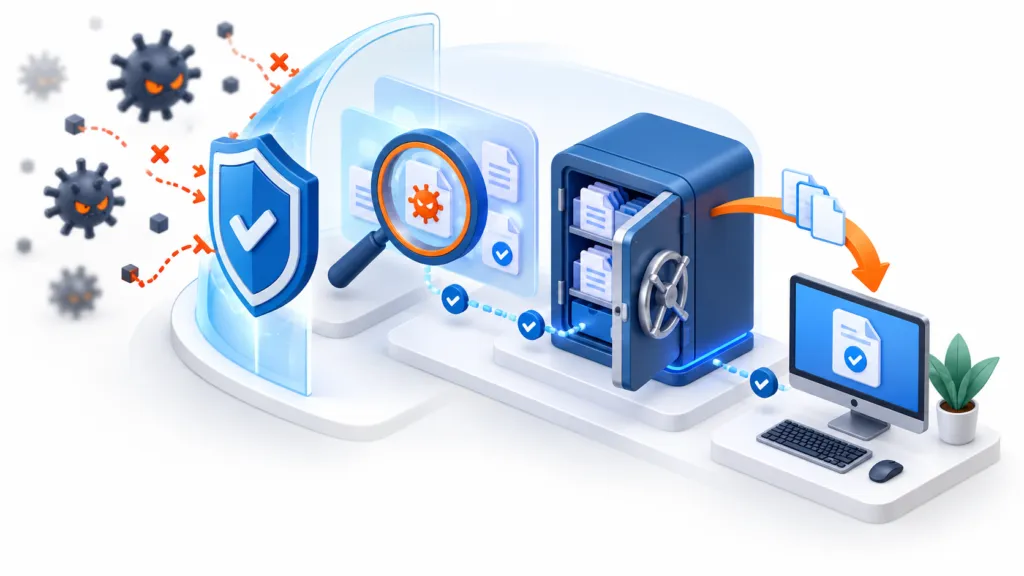
The source divides protection into three layers: Prevention, Detection, and Response. In each layer, several methods can be used.
| Prevention | Detection | Response as it appears in the source |
|---|---|---|
| List of approved applications, blocking addresses, mail filtering, and file inspection in an isolated environment | Antivirus and advanced endpoint protection | Discussion on the ransomware issue, malware removal, and backup and recovery |
Prevention
This layer tries to prevent ransomware from running. Blocking addresses can keep users away from affected sites. Email filtering examines links and attachments. Approved application lists restrict which processes can run on the endpoint. Testing in an isolated environment, sandboxing, looks for malicious behavior of a link or file, such as attempting to run or install software.
Every prevention layer has limitations: malicious addresses change, information on known threats does not always identify a new threat, and malware can alter characteristics or detect a testing environment. Therefore, responsibility is not left to a single tool.
It also notes that the list of authorized applications may be compromised if an attacker exploits a legitimate process or injects code into it. The limitations are not a reason to give up on prevention; combining layers helps reduce the number of attacks that reach the system.
Detection
If prevention does not stop the threat, the ability to detect an attack attempt is required. Antivirus can use signatures, heuristic rules, behavioral analysis, and machine learning. Solutions called NGAV also examine process creation and changes in the operating system to detect abnormal behavior.
The source emphasizes that protections also rely on past experience and therefore may struggle with a new threat or malware that recognizes the inspection mechanism and refrains from acting. Even when it is possible to evade detection, widespread encryption activity can create detectable behavior.
Response
Even an organization with prevention and detection needs a response plan. The source mentions a historical average of six workstations and two servers being affected in an attack to illustrate the need to address more than one device. The plan should include dealing with malware and restoring workstations and data, alongside a coordinated assessment of business implications.
The question of paying ransom
The source describes companies with a policy of not paying and others that evaluate the cost of repair versus the demand. It emphasizes that one cannot rely on the existence of a decryption key or that it will work properly, especially in a market where criminals can offer ransomware as a service. Payment should not be seen as a guarantee of resolution.
Malware removal
Even if the ransom is paid and the data decrypted, the system still needs to be checked. There may be remnants of malware, files, registry values, and browser extensions. There should be a plan for their removal; in appropriate cases, rebuilding is preferable to partial repair. A file that opens again is not confirmation that the computer is clean.
Backup and Recovery
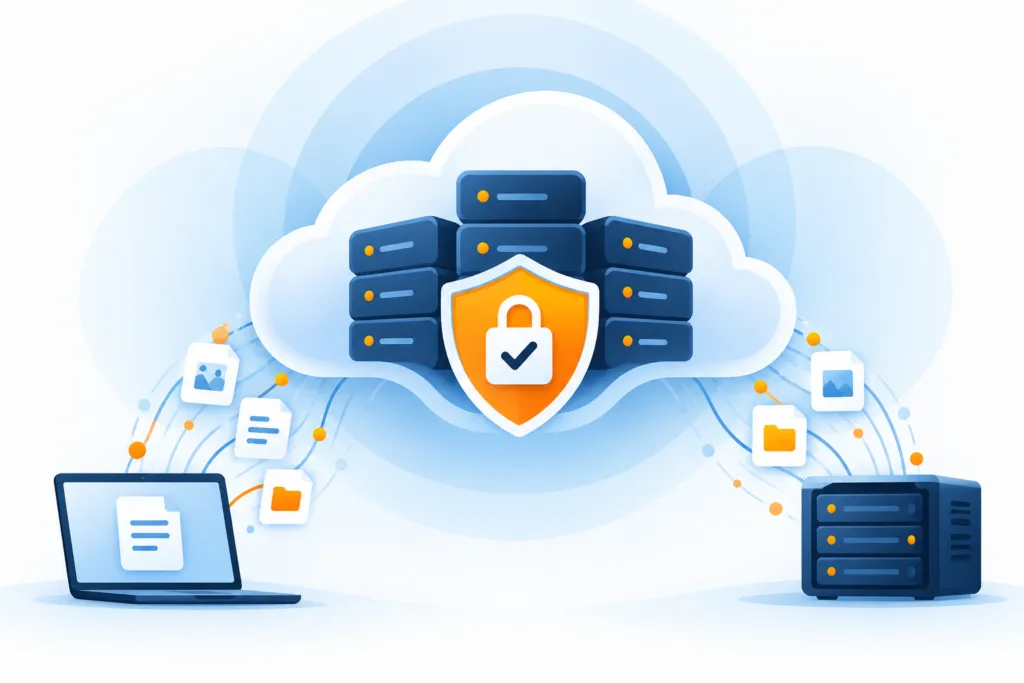
The planning must take into account a situation where the layers of defense have failed, the ransom is too high, decryption does not work, or the malware cannot be reliably removed. In any of these situations, a full restores of the workstation from the environment and clean copies may be required.
Prepare a recovery path that can be tested
It is not always possible to know which workstations will be affected and how critical they are. The extent of the damage can also vary: files, a partition, or an entire system. This is a reason to plan several recovery scenarios in advance, instead of gambling on a failure of a convenient size.
Start from recovery and work backward
Start with the business: Which workstations, servers, and information groups must return to operation? If it is unclear, ask management, process owners, and application owners which information cannot be lost.
Then determine the type of backup, for example files or images, and the frequency for each system and information group. The frequency affects the possible recovery point in case of damage.
It may be that the server systems are already backed up, in which case mainly a check of the existing coverage is required. For workstations and laptops, it may be necessary to rethink what to protect.
Examine whether local copies or cloud copies are required. On laptops, a cloud backup may facilitate recovery even when the user is not on-site, as long as there is proper connectivity.
Decide which point in time to revert to.
One of the challenges is determining how far back to go in the backups. The source claims that many ransomware authors prefer to act quickly to profit rather than wait, but it also clarifies that one cannot conclude from this that yesterday's backup is clean.
Going back too far may lose new information or restore the system to an outdated state, including domain relationships and settings. The source suggests identifying significant changes in a large number of files as a sign of encryption and a point in time that should be examined beforehand.
Check restoration
Even a ransomware recovery plan requires testing. The source suggests restoring a system image to a virtual environment, booting it, and logging in. This is a useful test — and in the next note we will explain why it is only part of the required testing.
Check that copies are protected and that there is a way to select and test a suitable restore point. Backup can help recover deleted or encrypted information; it does not prevent exposure of information that has already been stolen. Therefore, it is integrated into the protection and response plan, alongside other controls.