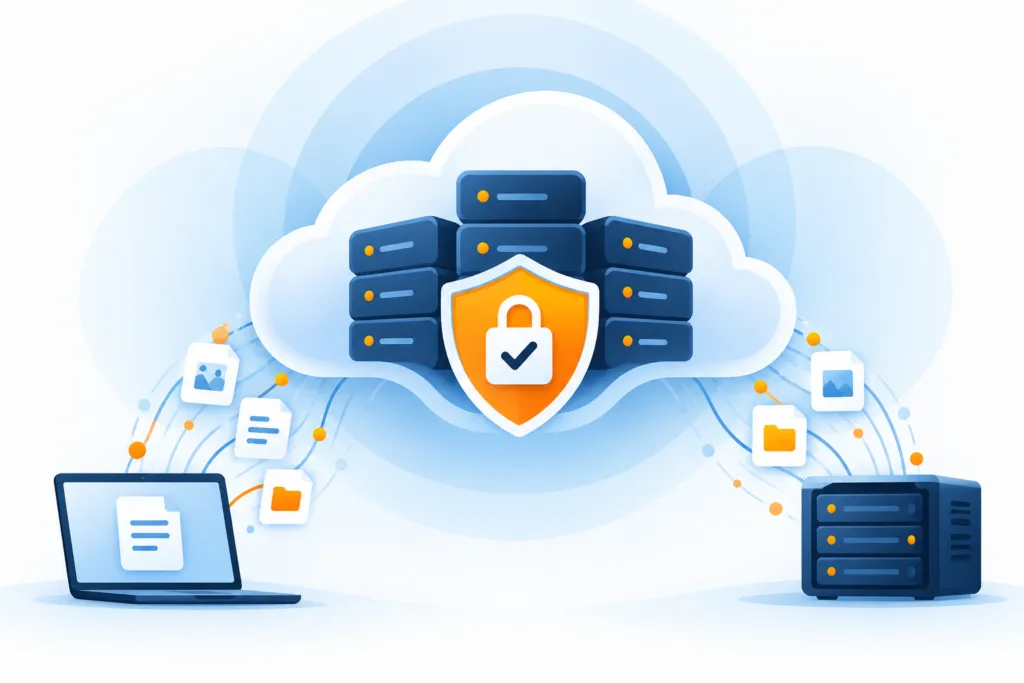
A backup preserves your information. Encryption helps ensure that only those authorized can read it.
Encryption is found almost everywhere: in storage, in the corporate network, on the Internet, and in the cloud. Its purpose is to protect information from those who might misuse it, whether it is unauthorized access from within the organization or an external intrusion attempt. It can also support compliance with information protection requirements.
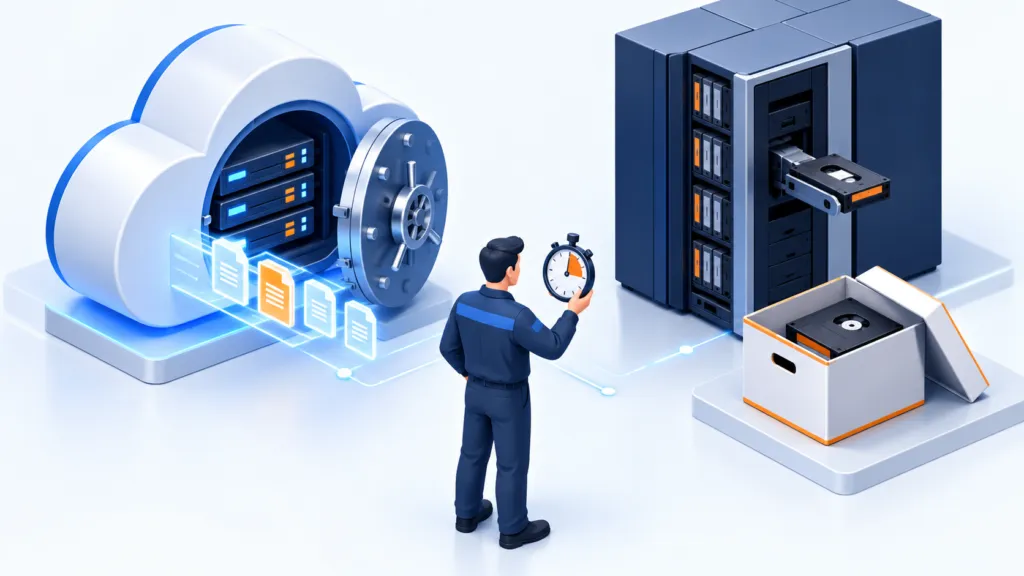
Ongoing information is an essential part of business activity. Backups protect it by allowing versions of files that were lost, damaged, stolen, or incorrectly edited to be restored, helping the business continue to operate.
Why is it worthwhile to encrypt backups?
Instead of asking "Why encrypt backups?", it is better to turn the question around: "Why actually leave them unencrypted?" It's harder to find a good reason for the second option. If there is no justified reason to avoid encryption, the natural choice is to enable it.
After all, a backup copy can contain exactly the sensitive information that is on the computer: business documents, customer details, and files you really don't want to end up in the wrong hands. Even the emergency copy deserves its own lock.
How do you want to encrypt the backups?
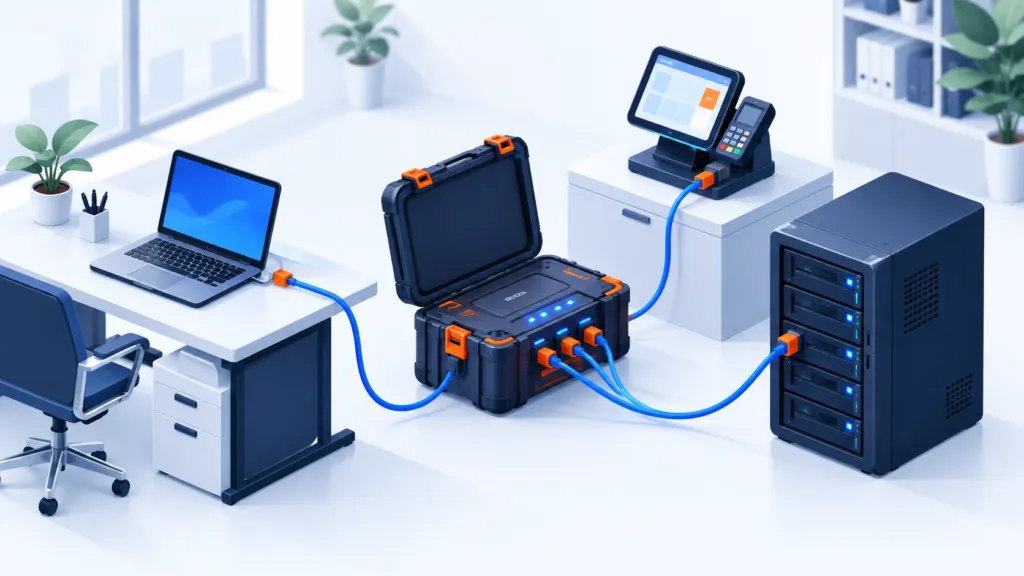
Two main methods help protect the backup: client-side encryption and server-side encryption. The difference between them is the location where the information is encrypted and who controls the keys.
Client-side encryption
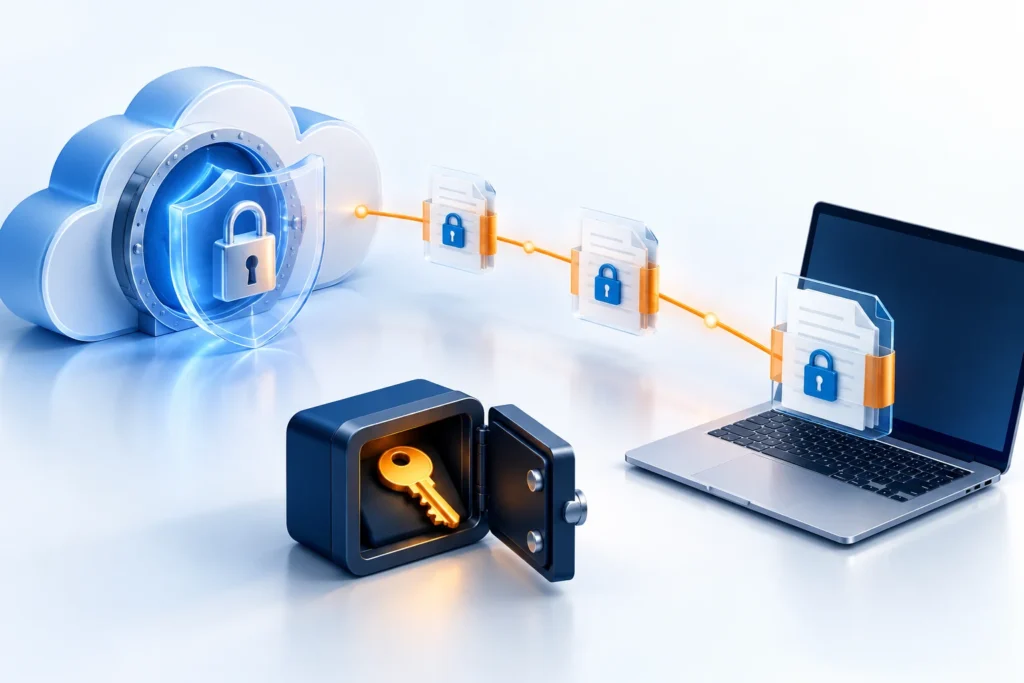
The information is encrypted before it leaves your computer, server, or network. Keys under your control allow it to be decrypted later.
Server-side encryption
The storage system encrypts the information when it is stored with it. In the basic configuration, the cloud service manages the keys.
Source-side encryption can use AES-256, depending on the backup software capabilities and the configuration chosen. AES is an encryption standard that is widely used around the world. As early as 2003, the use of AES was approved for protecting classified government information in the United States, subject to key length and relevant usage rules.
This is symmetric encryption: the same key is used for encryption and decryption. You can think of it as the code that opens a safe. The safe may be excellent, but without the code we cannot retrieve what we stored in it.
What is a backup encryption key?
From the user's perspective, setting up encryption may look like choosing a password that includes letters, numbers, and symbols. It can be short and particularly weak, like the letter a, complex and hard to remember, like Da^\^K1'8Uay7pFIq:1S, or a long passphrase, such as when.1.wasYoung-I-likedToGoOnROLLERcoasters.
The main principle is to choose a strong secret that is hard to guess or discover through many attempts. Length and complexity can help, but adding just one character to a predictable password is not enough. The examples here are for illustration only, and not passwords that should be adopted.
It is also important to distinguish between the encryption password that is typed in and the cryptographic key used by the algorithm. The software may generate the key from the password. Therefore, a 'long password' and a '256-bit AES key' are not the same thing.
When the backup is encrypted on the source side, access to the backup files alone should not be sufficient to read the data. It is also necessary to have the ability to decrypt it using the appropriate key.
How does encryption work on the server side?
Server-side encryption, or SSE, protects data at rest: the data that has already been stored in the storage system. Many cloud services offer it. In Amazon S3 it is called Server-Side Encryption; in Azure the term Storage Service Encryption is used; and in Google Cloud it is common to refer to it as Encryption at Rest.
In its basic configuration, the service encrypts the information as it arrives and is stored on disk, and decrypts it when an authorized access request requires it. The cloud service manages the encryption keys as part of the storage mechanism. There are also options where the client controls the keys, but here we will focus on the simpler option.
- The information arrivesWrite request to the storage service
- The system encryptsThe copy is stored encrypted on disk
- Authorized accessThe service decrypts upon read
For you, the process can be transparent: the information on the disk is encrypted without needing to enter a password each time you open it. This is an additional layer of protection managed in the background.
Suppose you saved an important business document in the cloud without encrypting it beforehand. Maybe you need to open it through an external system, or maybe you simply did not enable encryption in the backup software. Server-side encryption can still protect the copy stored on disk.
If someone obtains a physical disk from the storage system, the raw data on it will be encrypted. Without the appropriate service keys, simply having the disk should not allow them to read the file. However, this does not replace account protection: a user with read permissions can access information that the service has decrypted for them.
If we've already encrypted in advance, is encryption needed in storage as well?
Yes, the two layers can complement each other. Source-side encryption protects backup content even before upload; server-side encryption adds protection at the storage level.
When the storage layer provides automatic encryption at no additional cost or special operation, it has a clear advantage. However, advanced key management paths may involve costs and operational responsibilities. Check what is included in your configuration.
Want to make sure your backup is encrypted and also recoverable? Talk to the BackupONE team.