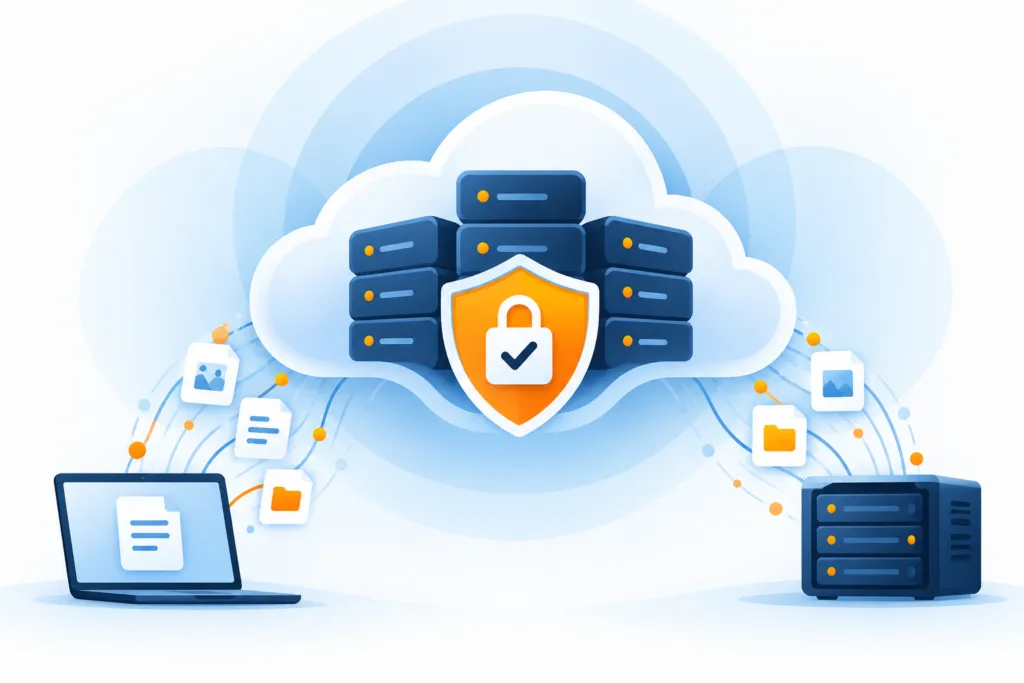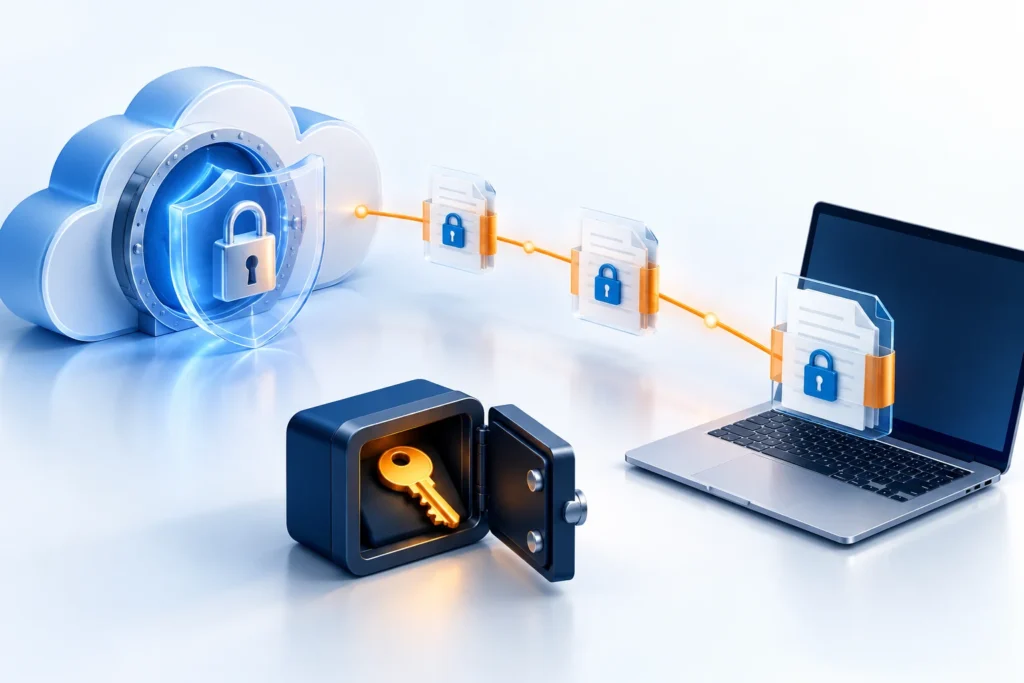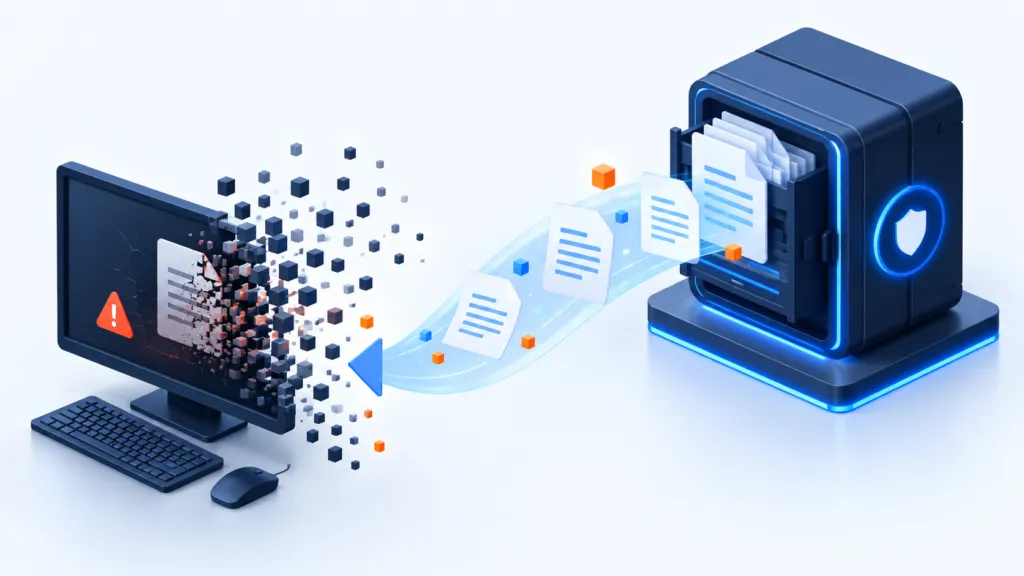
Attackers who reach the system do not always settle for working files. Sometimes they also try to damage backups, leaving you with no way to recover. Therefore, creating a copy is only part of the work: it also needs to be protected. Two main approaches are air-gapped backup and immutable backup, and each has its own role.
Separation and Protection Complement Each Other
- Disconnection Reduces Access
- Immutability Limits Damage
- Permissions and Recovery Are Checked
Air Gap backups and Immutable backups are intended to reduce unauthorized damage to copies. They do this in different ways: one separates the backup, and the other limits its modification and deletion. We will examine the strengths and limitations to understand how to choose, and when to combine them.
Offline backup: the copy that stays off the network
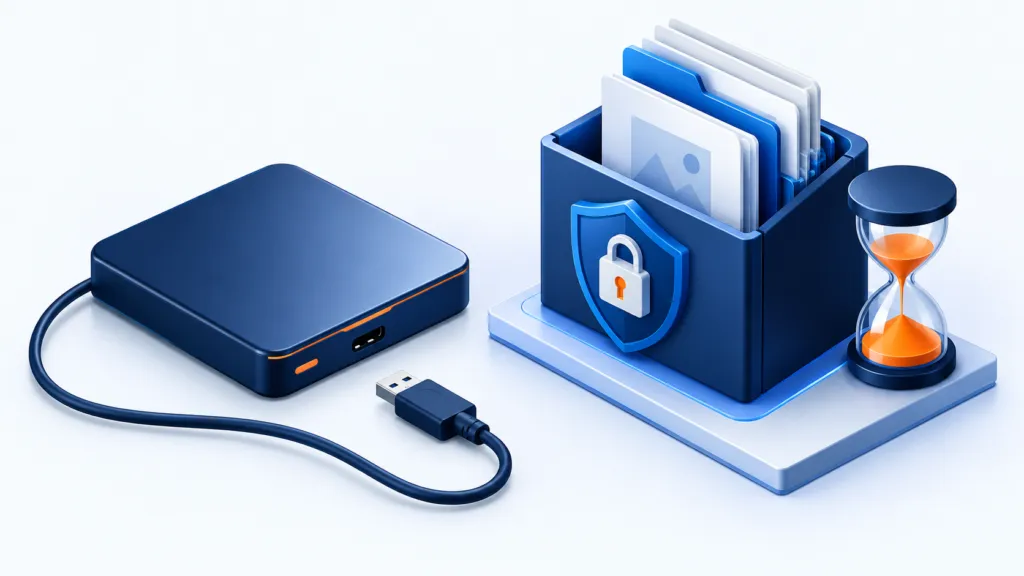
The idea of an air-gapped backup is simple: to create a physical or logical separation between the backup copy and the environment that might be compromised. The more the separation matches the threat scenario, the harder it is for an attacker to reach the copy through the breached system.
How does it work?
A separation is created between the backup information and the main network or storage environment. The source distinguishes between two methods:
- Physical disconnection: Disconnecting the backup media, such as tapes or external drives, from any network or system. Sometimes they are stored offsite to prevent remote access.
- Logical separation: Storing the information in a restricted environment that requires access credentials or special permissions. This is a virtual separation that continues to rely on access controls to maintain isolation.
Strengths
The main advantage is isolation, especially when the media is physically disconnected. A drive that is not connected to the network is not accessible to an attacker through that connection. Sometimes it is precisely the unplugged cable that does important work.
Physical disconnection also provides independence from security mechanisms based on the network, thereby reducing exposure in the event of a widespread network compromise.
Challenges
- Operational complexity: Physical disconnection sometimes requires manual handling, transportation, and storage of media. This consumes time and effort and adds the possibility of human error.
- Scalability capability: As the volume of information increases, managing the media and its maintenance can become cumbersome.
- Recovery time: Bringing the physical media and restoring from it may prolong the time until operations resume.
- Internal threats in logical separation: Stolen access credentials or incorrect settings may allow unauthorized access.
Immutable Backup: Connected, but Locked
In an immutable backup, the copy can remain connected. Protection exists elsewhere: a mechanism enforced at the storage layer prevents modification, overwriting, or deletion during the defined retention period. It is important that the appropriate lock is properly configured and enforced.
How does it work?
Storage layer technologies, such as Object Lock in S3-compliant systems, enforce a policy that prevents modification for a defined period. Their purpose is to protect against both accidental and malicious changes.
Unlike physical disconnection, the protection is based on storage configuration and retention policy. The information can remain in a connected environment and be accessible for restoration.
Strengths
- Protection against modification by ransomware: The source emphasizes that when a lock is enforced, even a user who has received administrator access is not supposed to modify or delete the locked copy.
- Flexibility and scalability: The approach can be applied in the cloud and on-premises systems, depending on the solution, and integrated into hybrid environments.
- Operational simplicity: Automatic enforcement of the retention policy can reduce manual handling and the risk of errors.
- Efficient recovery: Copies that are in active, accessible storage can be available for recovery faster than media that needs to be brought from elsewhere.
Challenges
The lock is only as good as its configuration and enforcement. Incorrect setup may leave the data vulnerable, and a retention period that is too long may increase costs and retain information that no longer needs to be kept. Therefore, both the protection mechanism and the retention period are examined, not just whether the option is enabled.
According to the source, in environments requiring strong protection against ransomware and rapid recovery, the benefits may outweigh these challenges.
Before Enabling Object Lock: What Should Be Checked?
Object Lock can protect an object version from modification or deletion for a retention period, provided the storage and configuration support it. Before enabling, check exactly what is locked, who can perform actions, and what happens when a recovery is needed. The feature name is just the beginning; it is the settings that do the work.
- Support and compatibility: Ensure that the storage service and backup software support the required mechanism and the way you use it.
- Lock mode: Check the difference between Governance and Compliance modes when they exist in the service. In some modes, indirect permissions can be granted; in stricter modes, protection cannot be shortened during the period. It is advisable to check the exact behavior in your service and configuration.
- Retention Period: Adapt it to the recovery needs, policies, and requirements applicable to the information. Before long-term locking, also assess the volume and cost.
- Irreversible Actions: Determine which settings can be changed after activation and which copies cannot be deleted or released prematurely. Do not rely on a 'Cancel' button that does not exist.
- Recovery Capability: Ensure that authorized personnel have access to the copy and necessary keys, and that recovery is possible without disabling protection.
Locking does not replace encryption, permission control, proper authentication for administration accounts, or monitoring. It also does not prove that the copy is free from malware. Integrate the mechanism into a program that includes alerts and recovery testing, and verify the configuration in an appropriate environment before production use.
If the volume increases, it may not be possible to immediately release locked copies. Therefore, it is important to plan capacity and monitor it in advance. To follow: Daily backup monitoring guide.
What Changes in Daily Work?
| Topic | Offline Backup | Immutable Backup |
|---|---|---|
| Isolation | Physical or Logical Separation from the Network | Prevention of Modification and Deletion at the Storage Layer |
| Operational Convenience | Manual Handling or Strict Access Control | Policy-based automation |
| Scalability | May be limited due to media capacity and management complexity | Expandable in the cloud and on-premises systems, depending on the solution |
| Insider threats | Logical isolation depends on access protection | Locking may also protect when an account is compromised, depending on enforcement settings |
| Recovery speed | Bringing in physical media can delay recovery | Active storage can allow fast access to a copy |
| Cost | Cost of media, storage, and operational handling | The source shows a cost advantage, especially in the cloud; actual costs depend on volume and retention |
Why Does the Author Prefer Automatic Locking?
For vendors managing diverse customer environments, the source shows five benefits:
- Automated enforcement: Less operational load and fewer errors resulting from manual handling.
- Hybrid flexibility: Cloud and on-premises implementation.
- Proactive protection against ransomware: Locking data in storage to protect the copy even against unauthorized access.
- Assistance in meeting requirements: A built-in retention policy can help preserve information for the required periods.
- Faster recovery: Copies in an active environment allow access to critical information recovery without bringing physical media.
The source claims that reliance on manual processes, long recovery times, and growth limitations make isolated backup less practical in some dynamic IT environments.
What Fits Your Environment?
What is preferable? It depends on the risks and the way of working. The source author prefers immutable backup when growth in volume, infrastructure integration, and fast recovery are important alongside ransomware protection. This is his position, not a directive to choose the same approach in every business.
The source concludes that the automated approach can help protect customer information even against emerging threats.
Before deciding, ask who can access the copy, who can delete it, and how long it will take to restore. It is also possible to combine disconnection and locking. Security comes from planning and testing, not from the English name of the feature.