Not every data breach occurs due to overseas transfer. Sometimes it starts within the organization: accidental deletion, an account of a former employee that is still active, or a person acting maliciously. Backups are important here as well. We will examine internal threats and the way protected copies can help reduce damage and restore operations.
The key principles
- Minimize permissions
- Revoke access upon departure
- Separate the backups
Who can create an internal threat?
An internal threat begins with a person within the organization or a person with internal access. Sometimes this is a current employee or a former employee; partners and suppliers with access to IT resources or special knowledge about the work can also be sources of risk.
Mistake, leftover access, or deliberate action
There are deliberate breaches, and there are errors resulting from negligence or lack of attention. It is worth distinguishing between them in order to plan appropriate protection. Here are three common scenarios.
Employee negligence
Employees who do not follow the company's information security and IT governance rules may inadvertently create a risk. They may delete or damage information by mistake, share access details with an unauthorized person, or forward an email containing sensitive information.
The source also mentions using a public Wi-Fi network for work purposes as a situation that could create a risk. The actual level of protection, communication encryption, and organizational policy should be examined, and it should not be assumed that any use of a public network is in itself a security incident.
Former employees who still have access
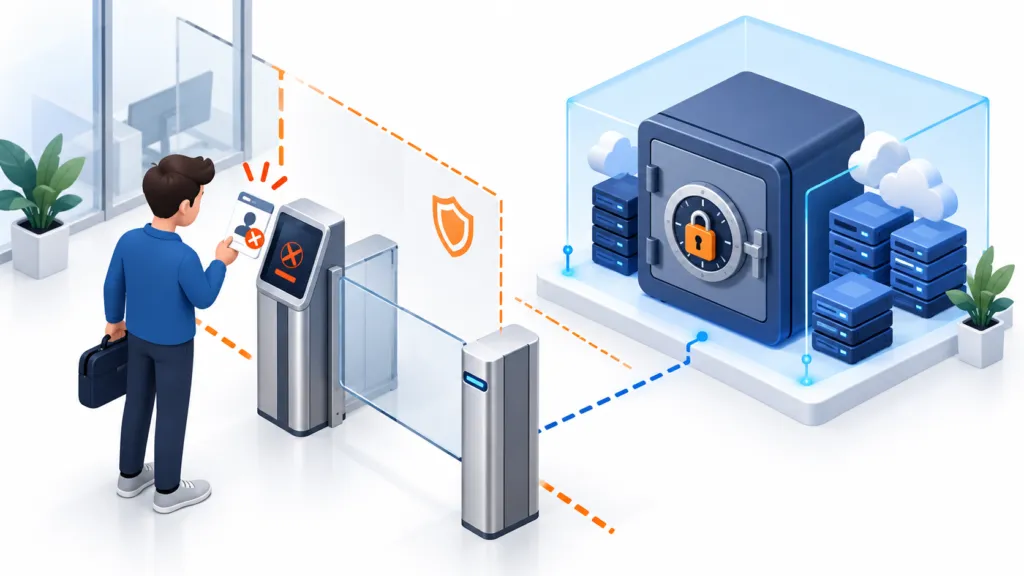
The employee has already left, but the account can still enter systems or connect to the VPN. This is a gap that should be closed as part of the departure process. The farewell card can remain as a keepsake; the permissions less so.
Remaining access can be used for intentional harm but can also create a risk without malicious intent. For example, a former employee's computer still connecting to the VPN could become an entry point for malware through software installed on it.
Malicious insider
One of the severe threats is a person with internal access who deliberately tries to cause harm. This could be a disgruntled employee or a former employee who holds a grudge against the company. In extreme cases, the source also describes employees who are paid by competitors to harm the employer.
That person may deliberately expose private information, delete or corrupt data to disrupt operations, or steal access credentials and pass them to external attackers.
What the internal actor knows — and how it affects the risk
External threats such as ransomware usually make more headlines, but internal threats continue to endanger businesses. The source notes that approximately 2,500 internal attacks occurred daily as of 2021, and that 34% of businesses experienced an internal attack in a given year. The numbers are presented here as historical source data.
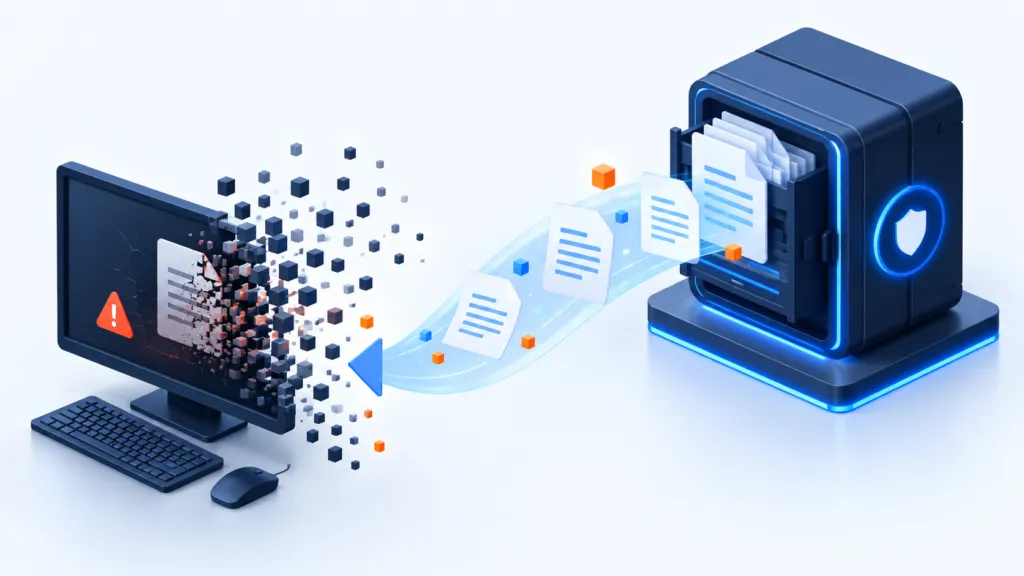
Beyond their prevalence, these threats can be devastating. Internal actors sometimes hold special privileges and knowledge of IT system operations, and therefore can cause permanent data loss, disrupt business continuity, and damage reputation.
How to leave a way to restore the information?
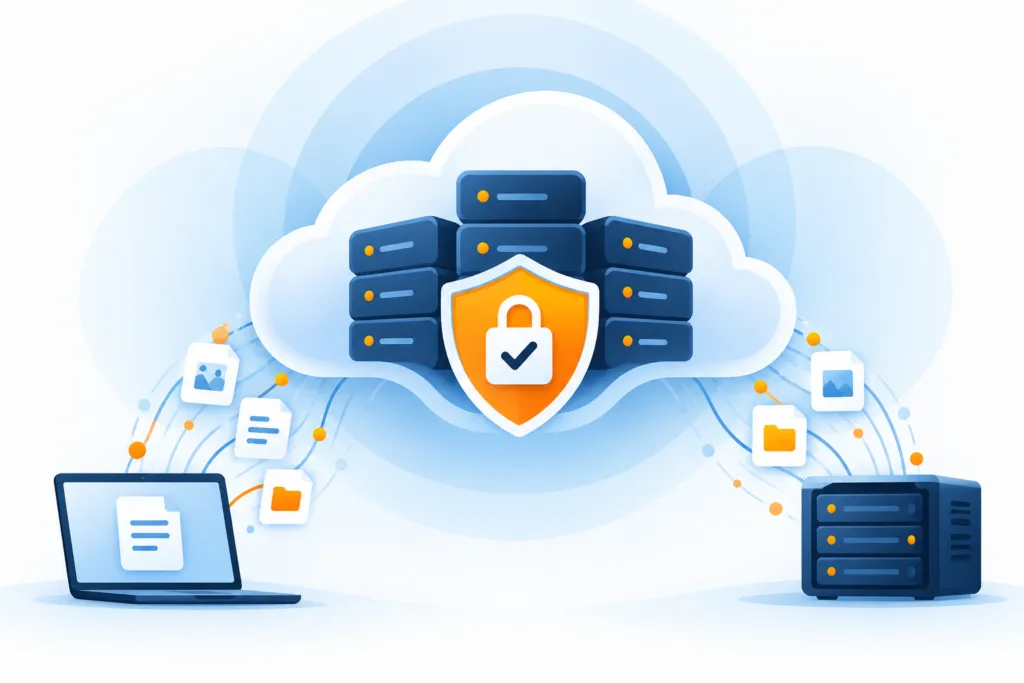
Automated and consistent backups are part of preparing for an internal threat. For them to be helpful during an incident, both the copies and their management need to be protected. Here are the main steps:
- Rule 3-2-1: Keep several copies of the information, including at least one copy offsite. An internal party may have information about the location of the backups and might attempt to destroy them. The more separated the copies are from the main environment, the harder it is to reach all of them.
- Scheduled backups: Set up automatic and regular backups. You do not know when an event will occur.
- Efficient recovery: Define methods such as point-in-time recovery to allow returning to a state saved before the damage.
- Backup monitoring: Track task failures and deletion of backed-up information. Such alerts may detect an attempt to disrupt the backup system as part of an attack.
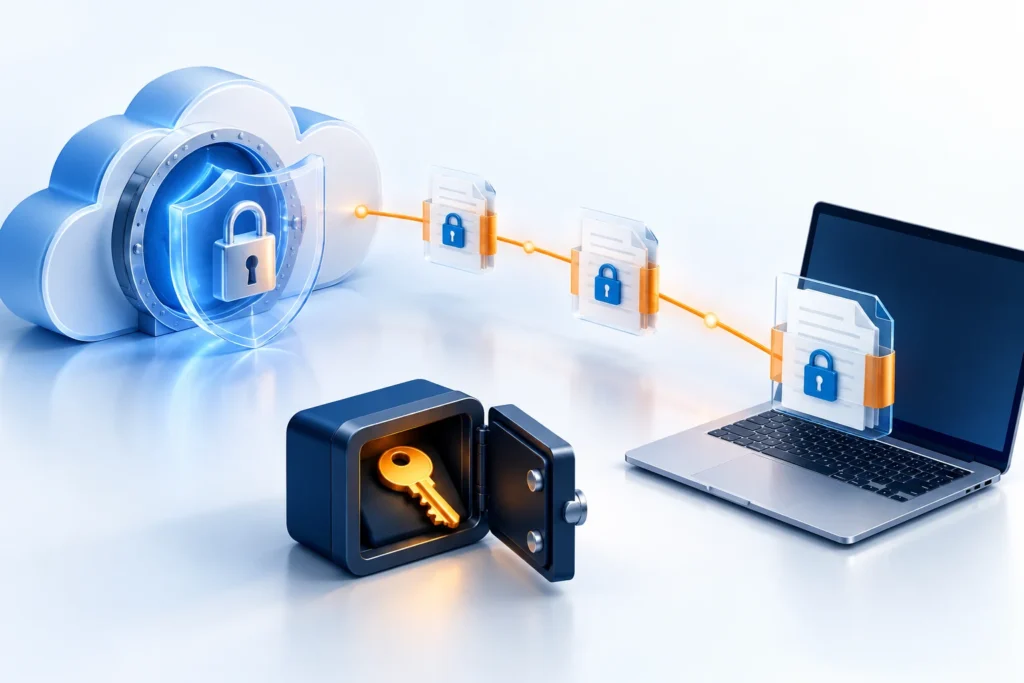
Also protect those who can access the backups
- Access verification: Multi-factor authentication and proper password management make it harder to exploit permissions.
- Minimal permissions: The more restrictive the default permissions, the smaller the scope of damage a person can cause, whether accidentally or intentionally.
- Backup Software Access Management: Only authorized users should configure backups, change schedules, or delete copies.
- Terminating Access Upon Departure: Block access and close accounts when employees leave to reduce exposure.
Trust in the team alongside organized permissions and processes
Internal threats relevant to businesses of various types. Regular backups, along with restricting access to backed-up information and settings, provide a foundation for preparedness and recovery. This way, it's possible to support business continuity and reputation even when the damage originates inside the organization.