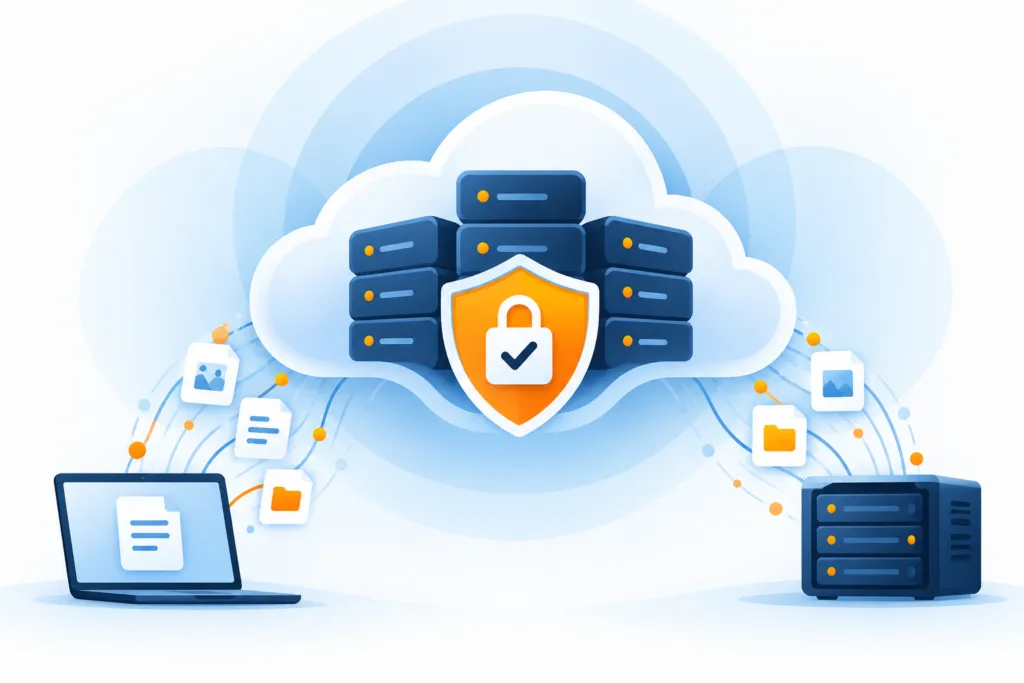
Backup is an asset that needs protection just like the original data. A copy that is easily deleted, read without authorization or recoverable only through a compromised account may be unavailable precisely when needed.
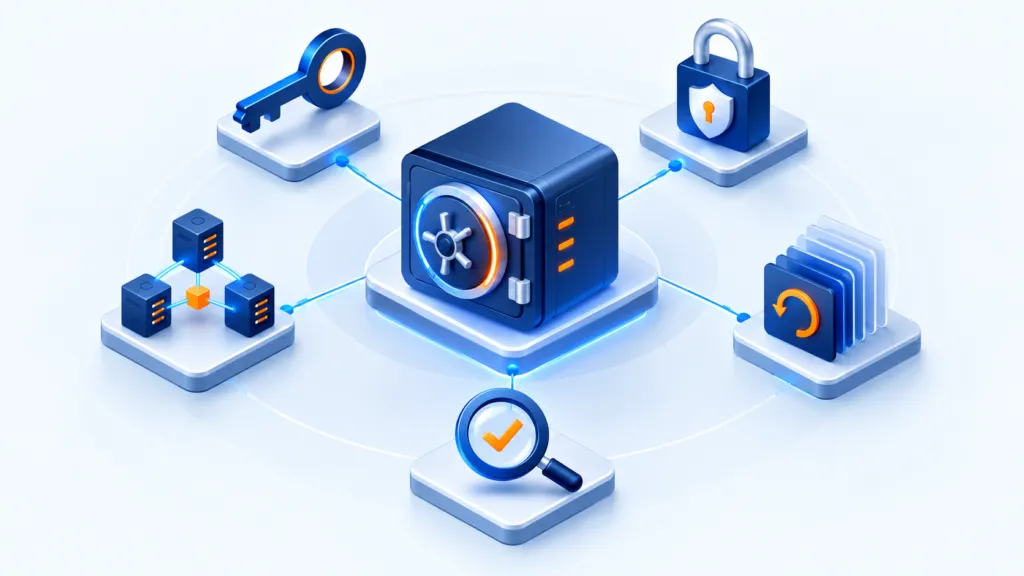
Five layers of work
- Permissions and encryption
- Separation and deletion protection
- Monitoring and recovery testing
Minimize permissions
Give each account the access required for its work. Separate backup accounts from everyday administrative accounts, use multi-factor authentication where supported and review permissions after role changes. Avoid shared administrator accounts whose use cannot be attributed to a person.
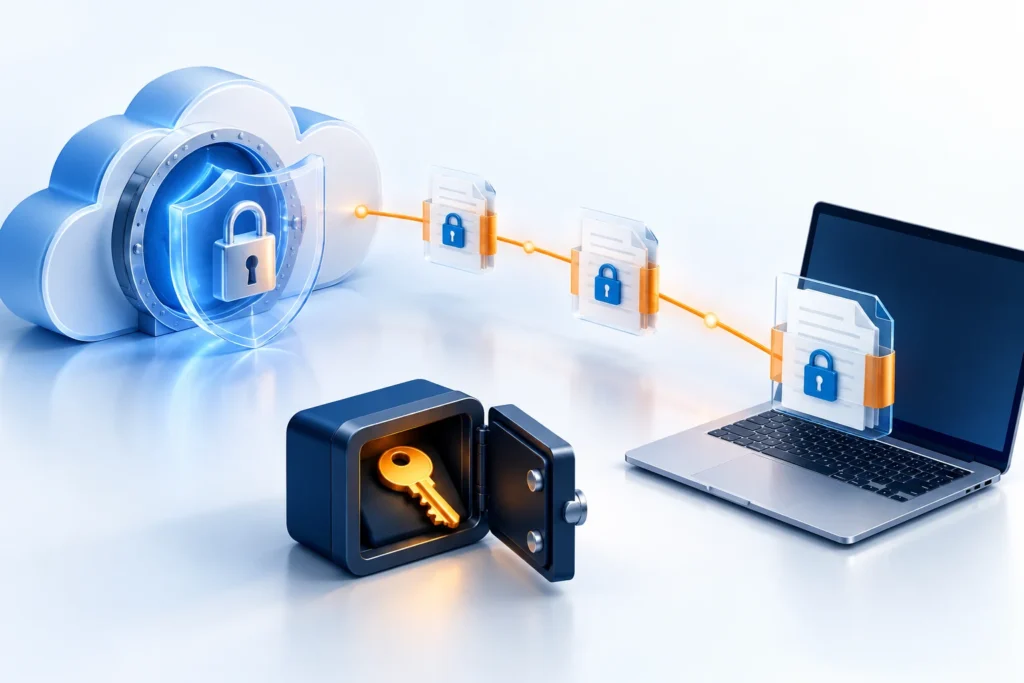
Encrypt and safeguard keys
Check encryption in transit and at rest. Document where recovery keys are stored and who can access them, and maintain a secure way to use them during an outage. A recovery test should include actually opening the encrypted data.
Separate copies from the active environment
Plan a copy that does not depend on the same server, account or failure domain. Ask what happens if primary equipment stops or an administrator account is compromised. Another backup destination in the same environment may improve availability while sharing the same risk.
Restrict modification and deletion
Choose appropriate protection: a disconnected copy or retention that prevents modification for a defined period. Check who can change the protection period and what happens to data before it starts and after it ends.
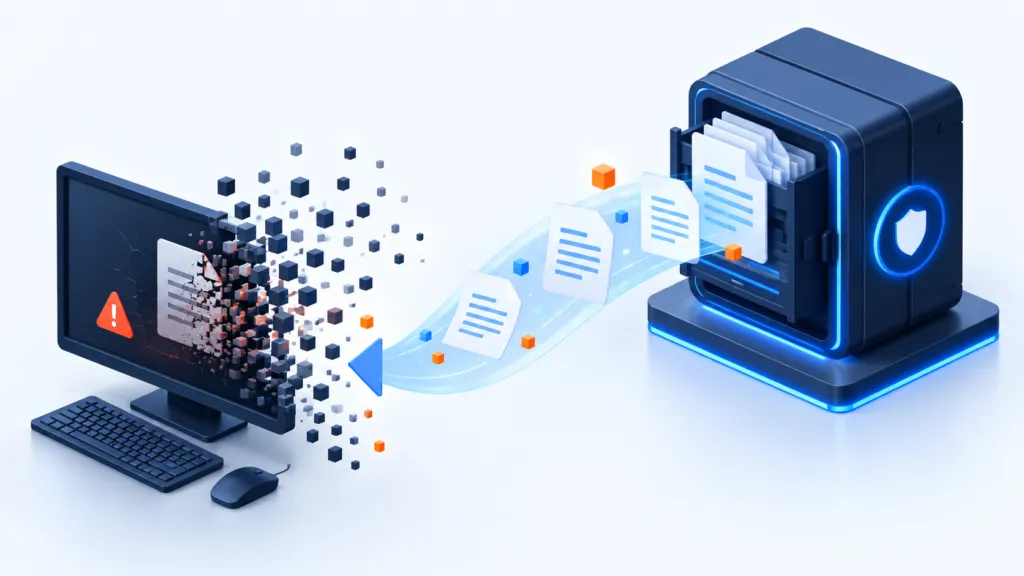
Test recovery and monitor exceptions
- Restore files and systems to a separate location.
- Check usability, permissions and time to resume work.
- Monitor backup failures, unusual changes and deletions.
- Define who receives alerts and who handles them.